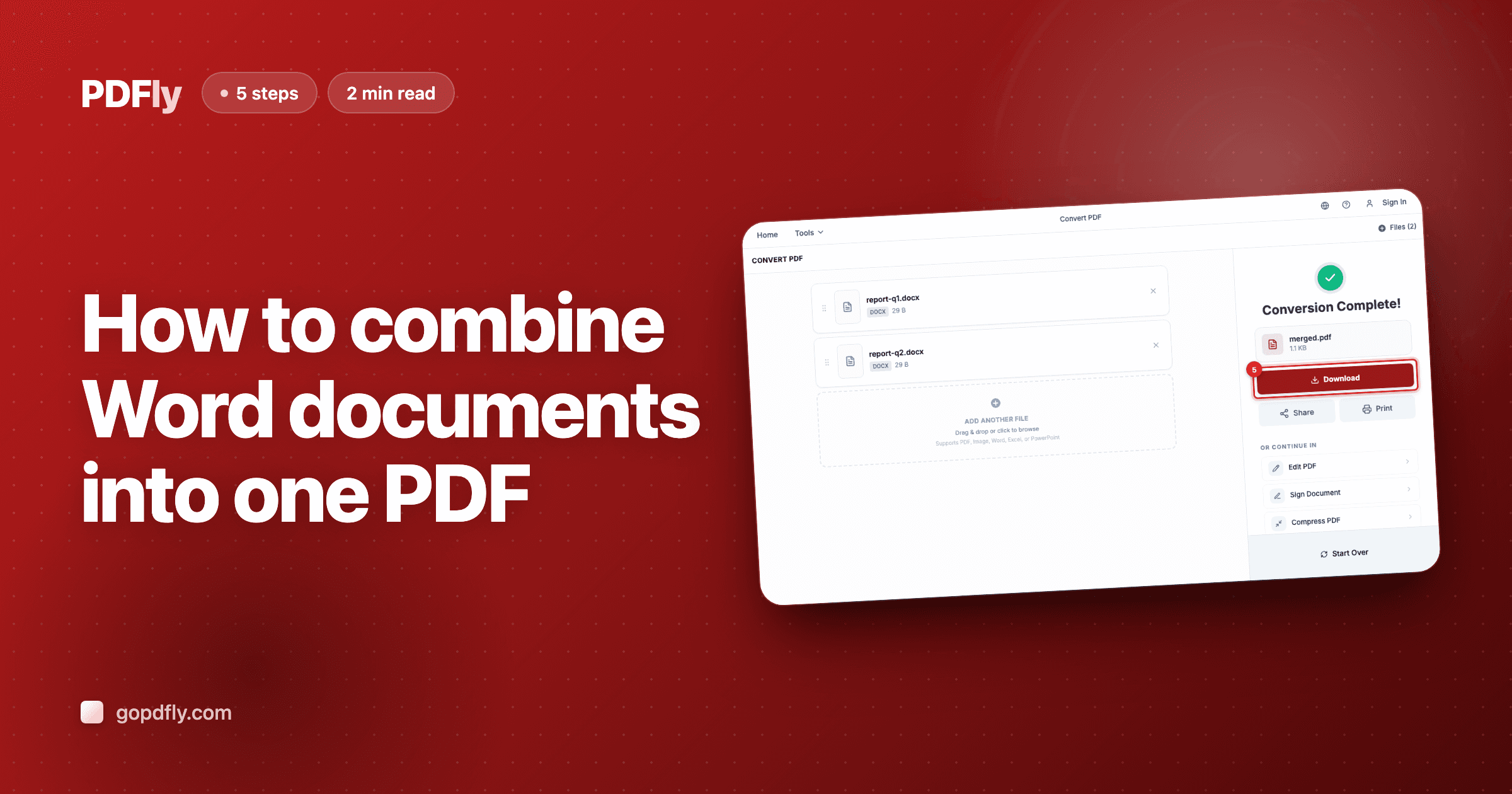
How to combine Word documents into one PDF
Convert and merge multiple .docx files into a single PDF in one step.
2 min read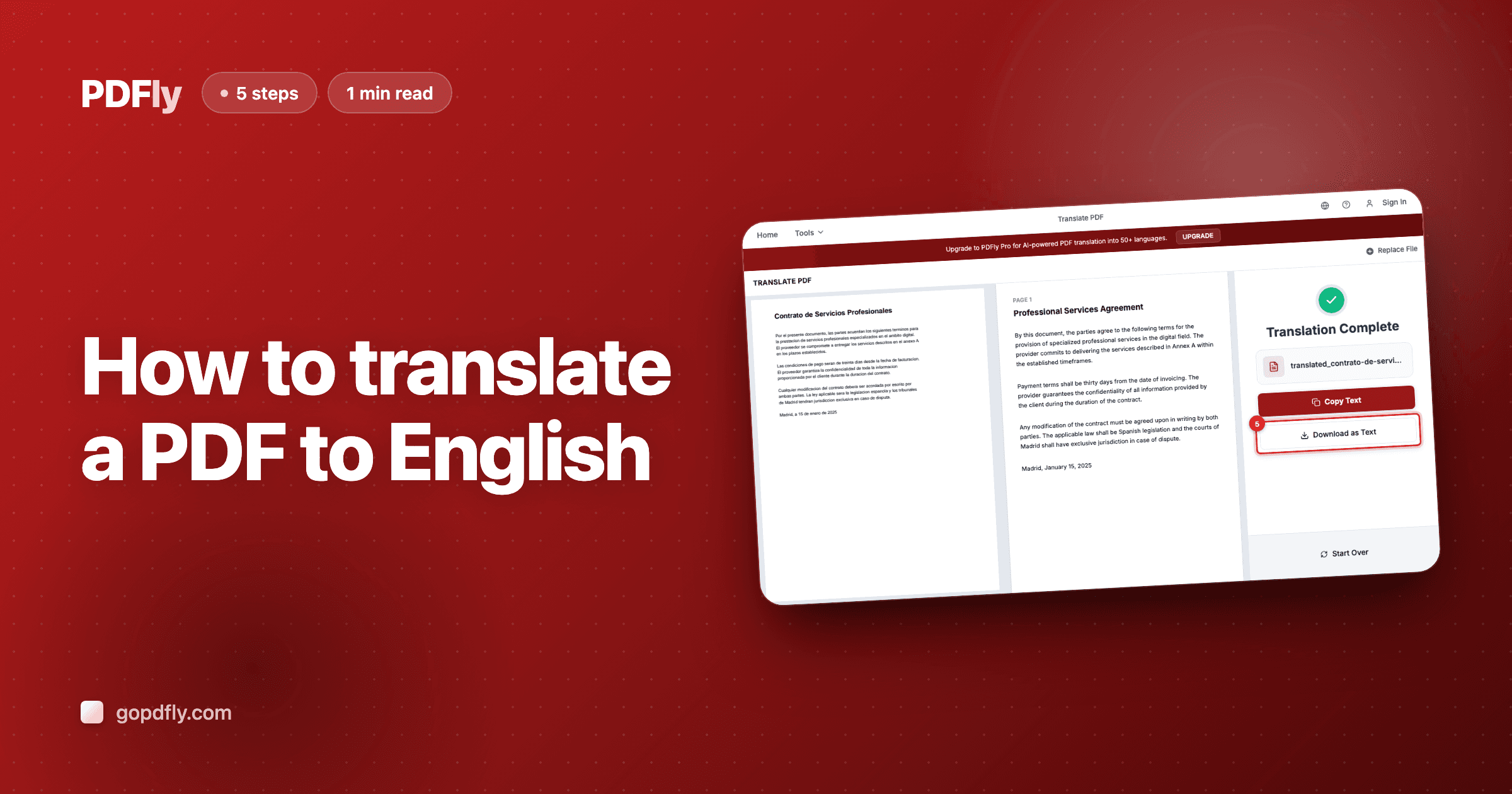
How to translate a PDF to English
Translate any non-English PDF into English in seconds — free for one-page documents.
1 min read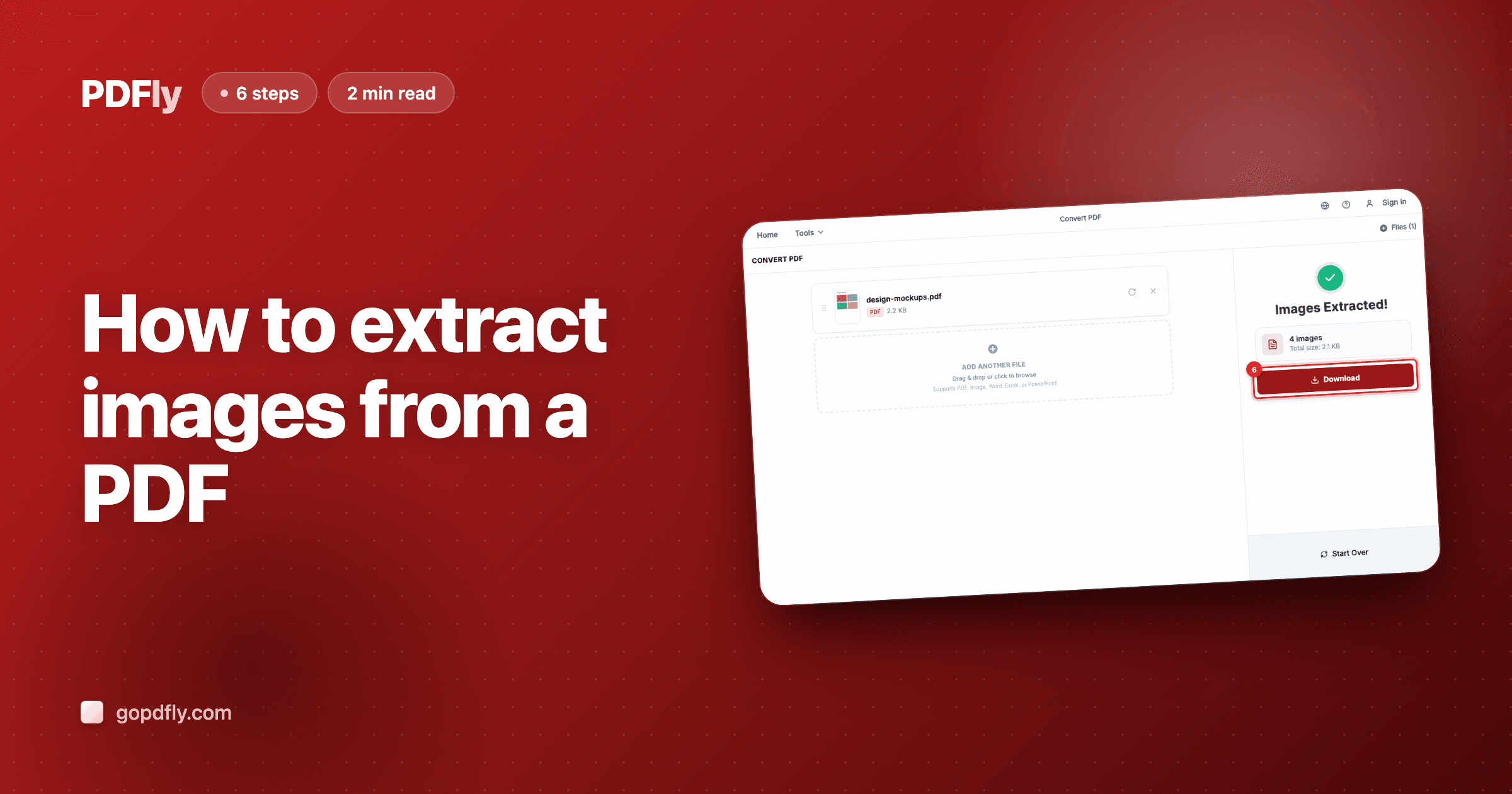
How to extract images from a PDF
Pull every embedded photo, logo, and graphic out of a PDF as separate JPG or PNG files.
2 min read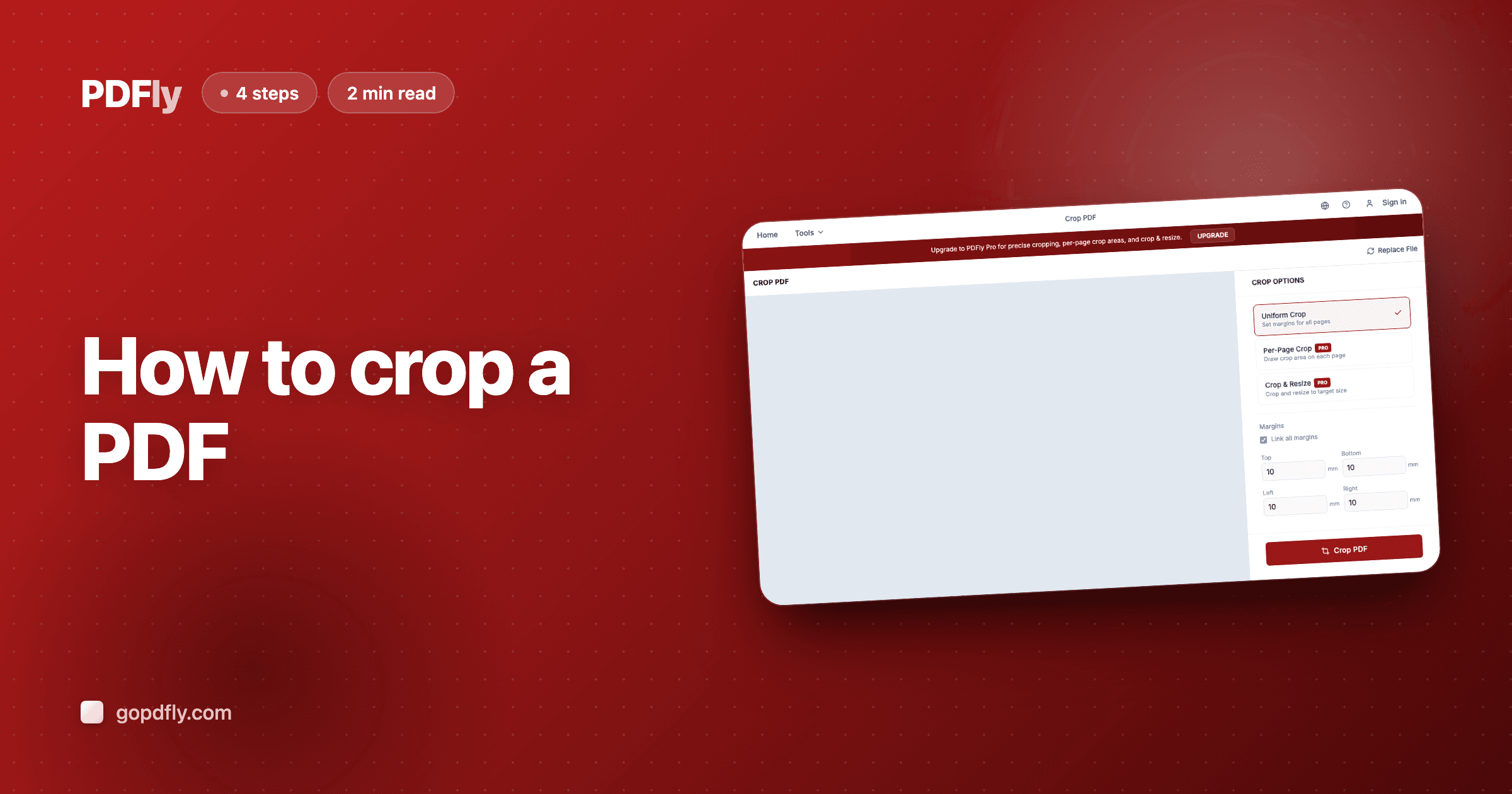
How to crop a PDF document
Trim white margins or crop specific regions from any PDF — auto, uniform, or per-page modes.
2 min read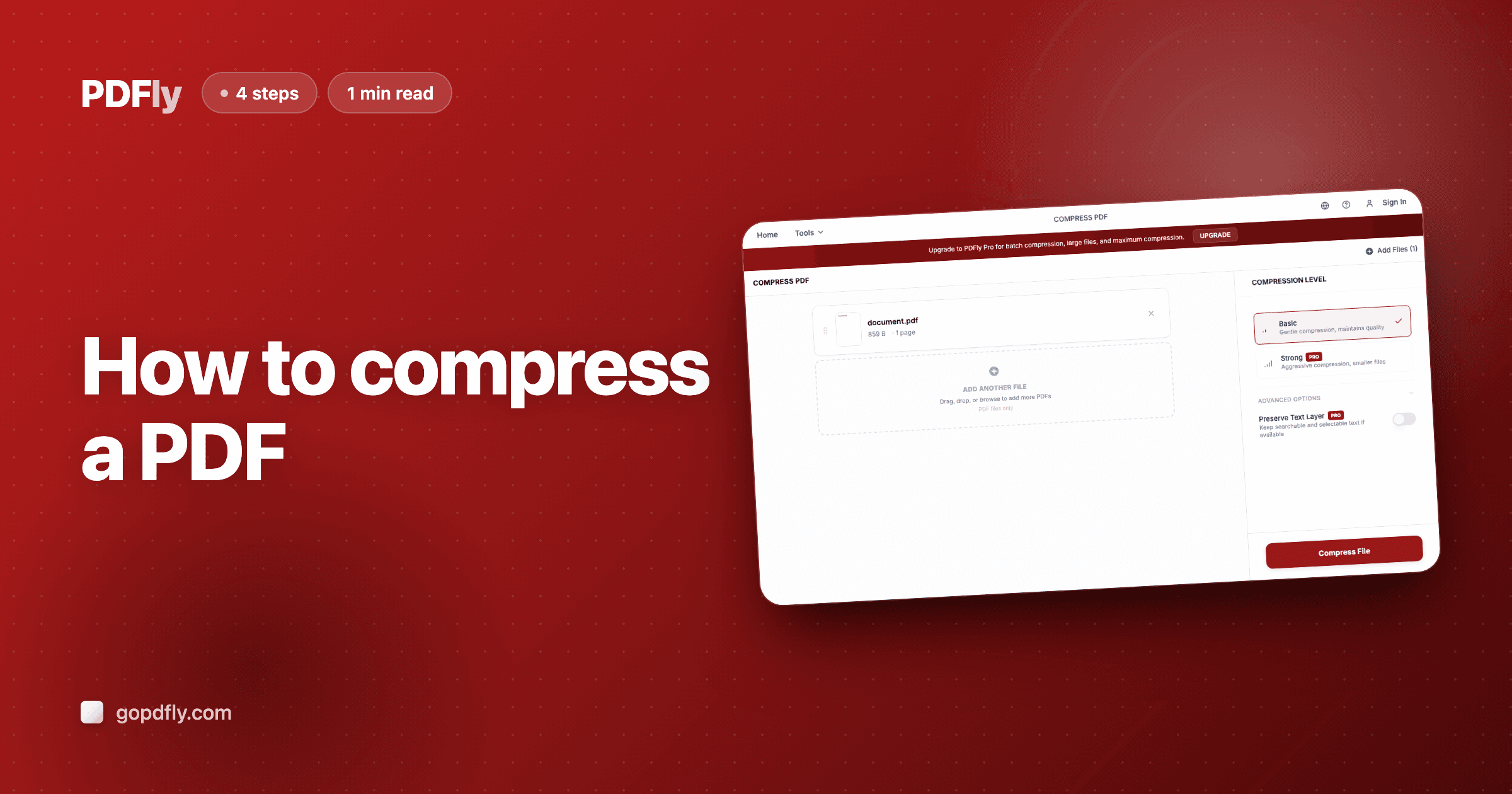
How to reduce PDF file size
Shrink any PDF to a smaller, email-friendly size in seconds — choose Basic or Strong compression.
1 min read
How to draw on a PDF document
Add freehand strokes, signatures, or markup to any PDF page using the built-in Draw tool.
1 min read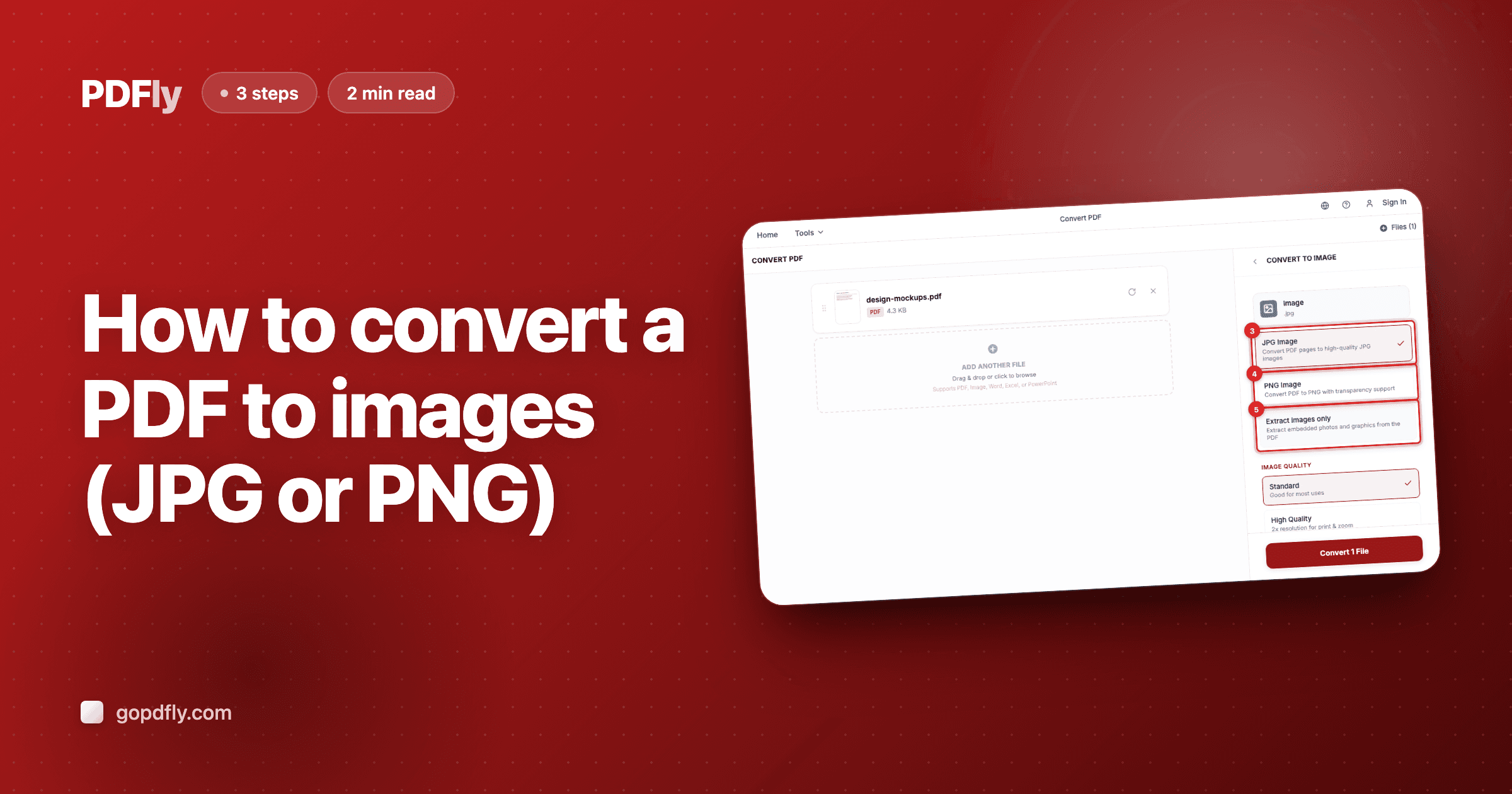
How to convert a PDF to images (JPG or PNG)
Pillar guide — JPG vs. PNG vs. extracted images, when to pick each, and what stays free.
2 min read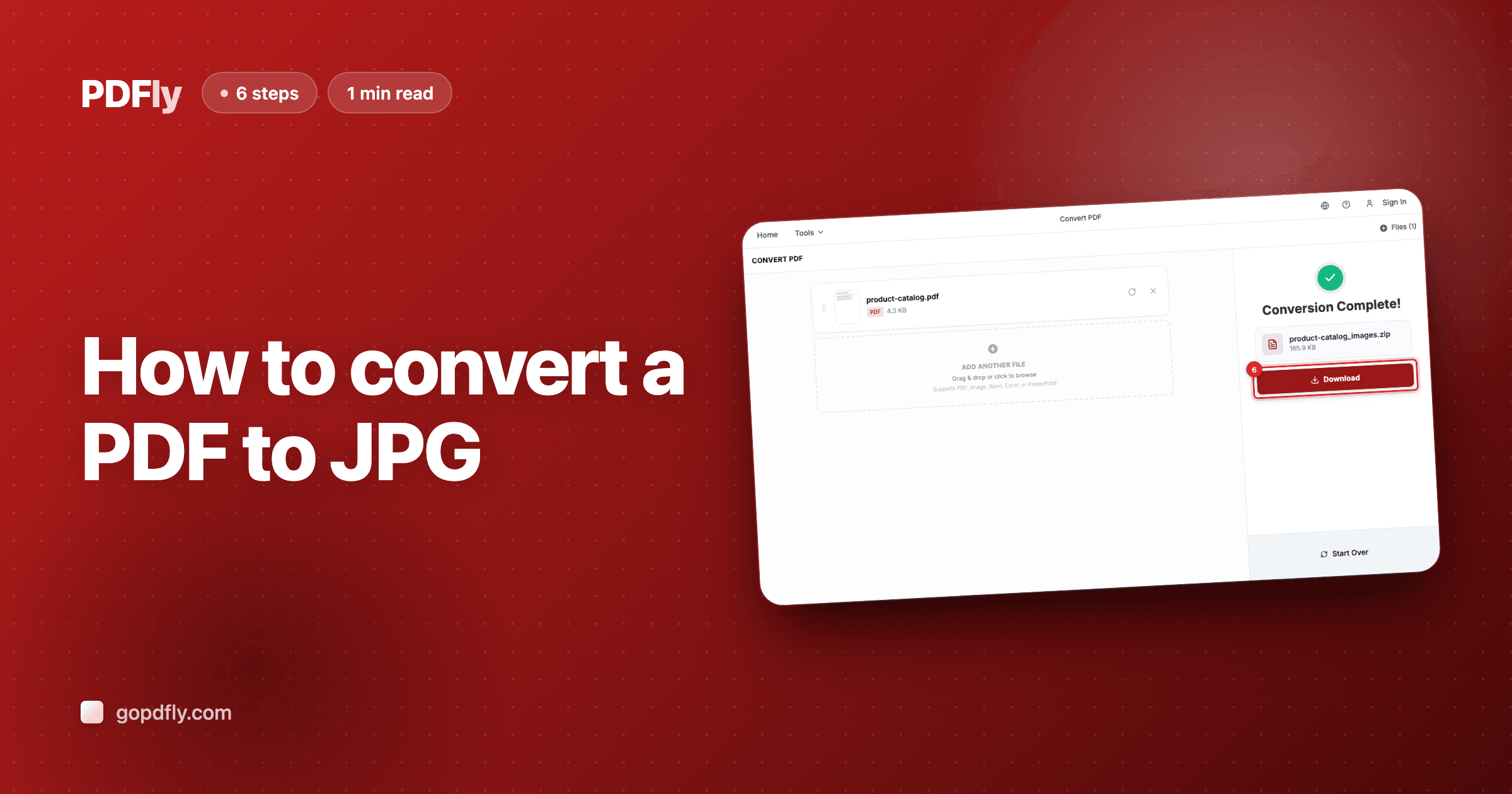
How to convert a PDF to JPG
Render every PDF page as a JPG image — small files, perfect for chats, slides, and websites.
1 min read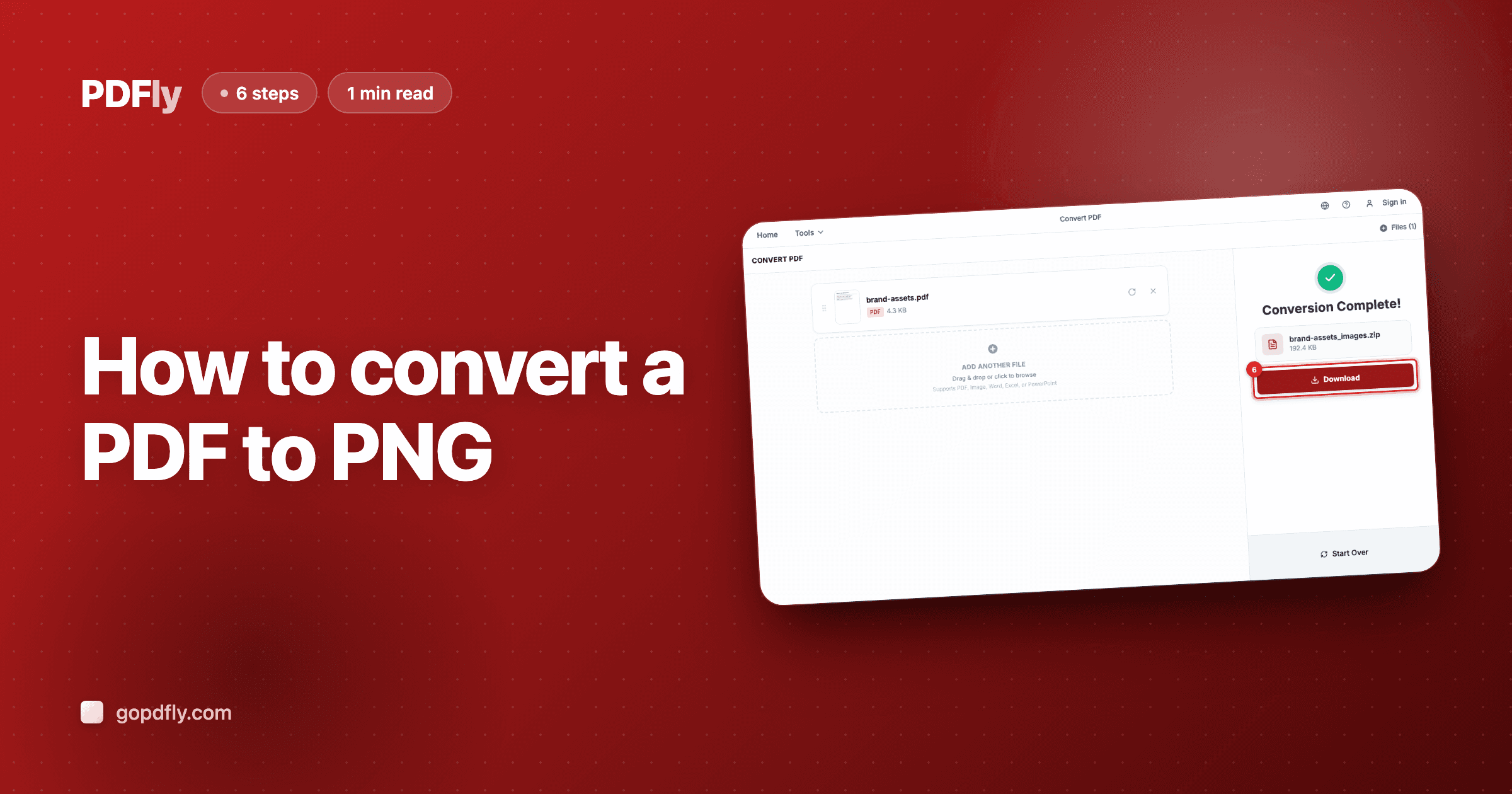
How to convert a PDF to PNG
Render every PDF page as a lossless PNG — sharp text, transparency support, ideal for screenshots and logos.
1 min read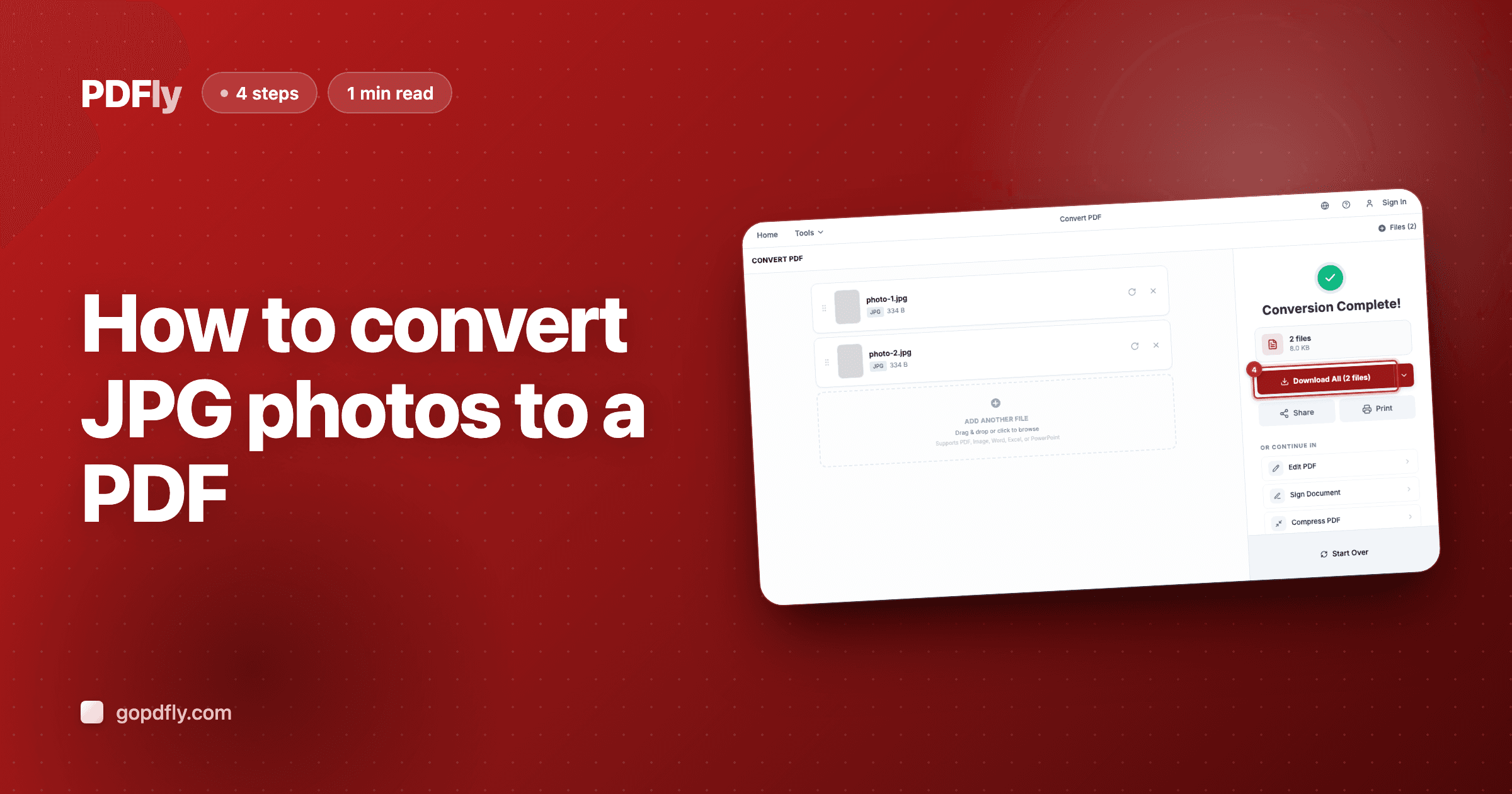
How to convert JPG photos to a PDF
Combine one or more JPG photos into a single PDF — perfect for receipts, ID photos, or product shots.
1 min read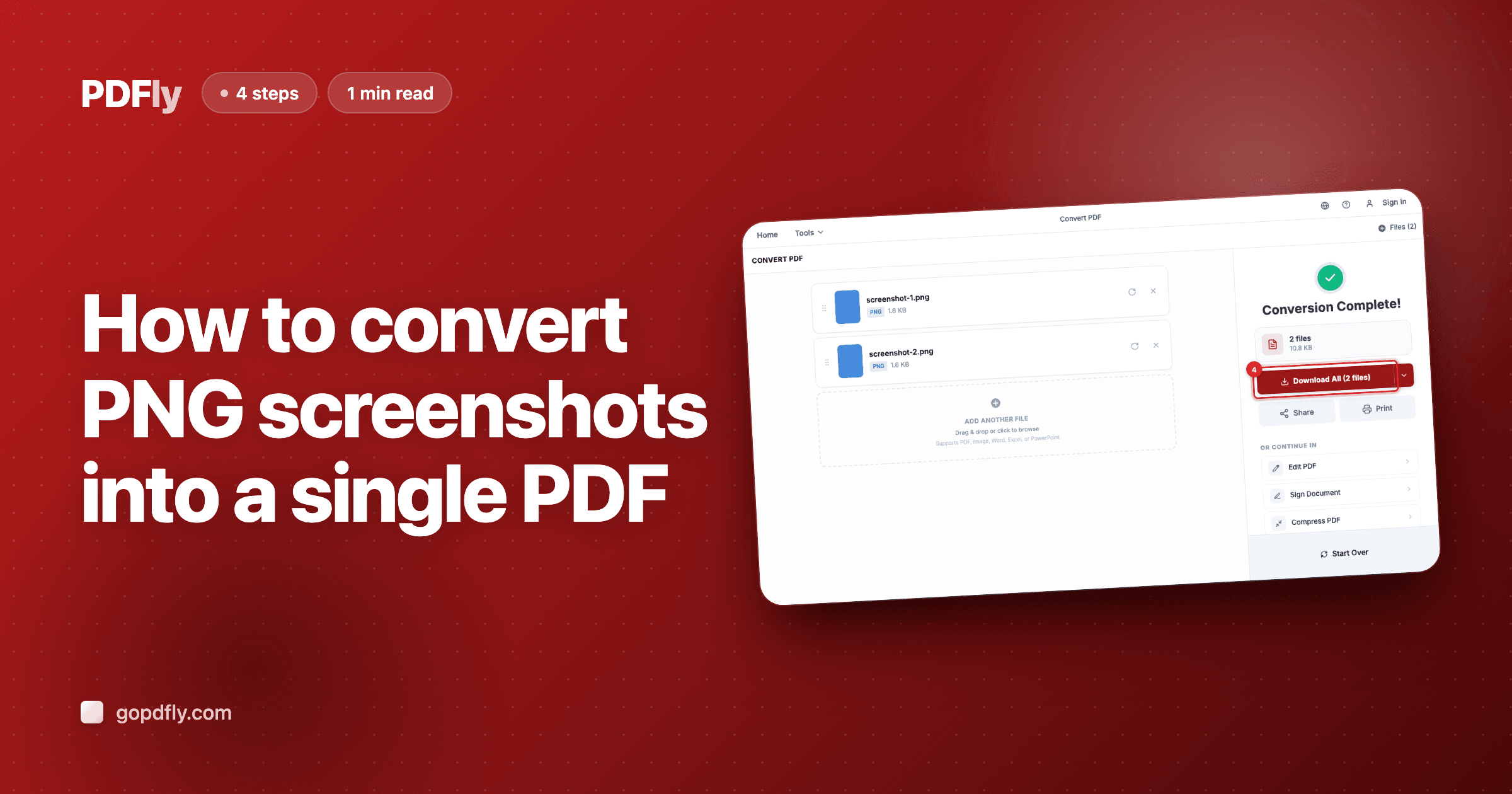
How to convert PNG screenshots into a single PDF
Combine PNG screenshots, scans, or graphics into a single PDF — sharp text and edges preserved.
1 min read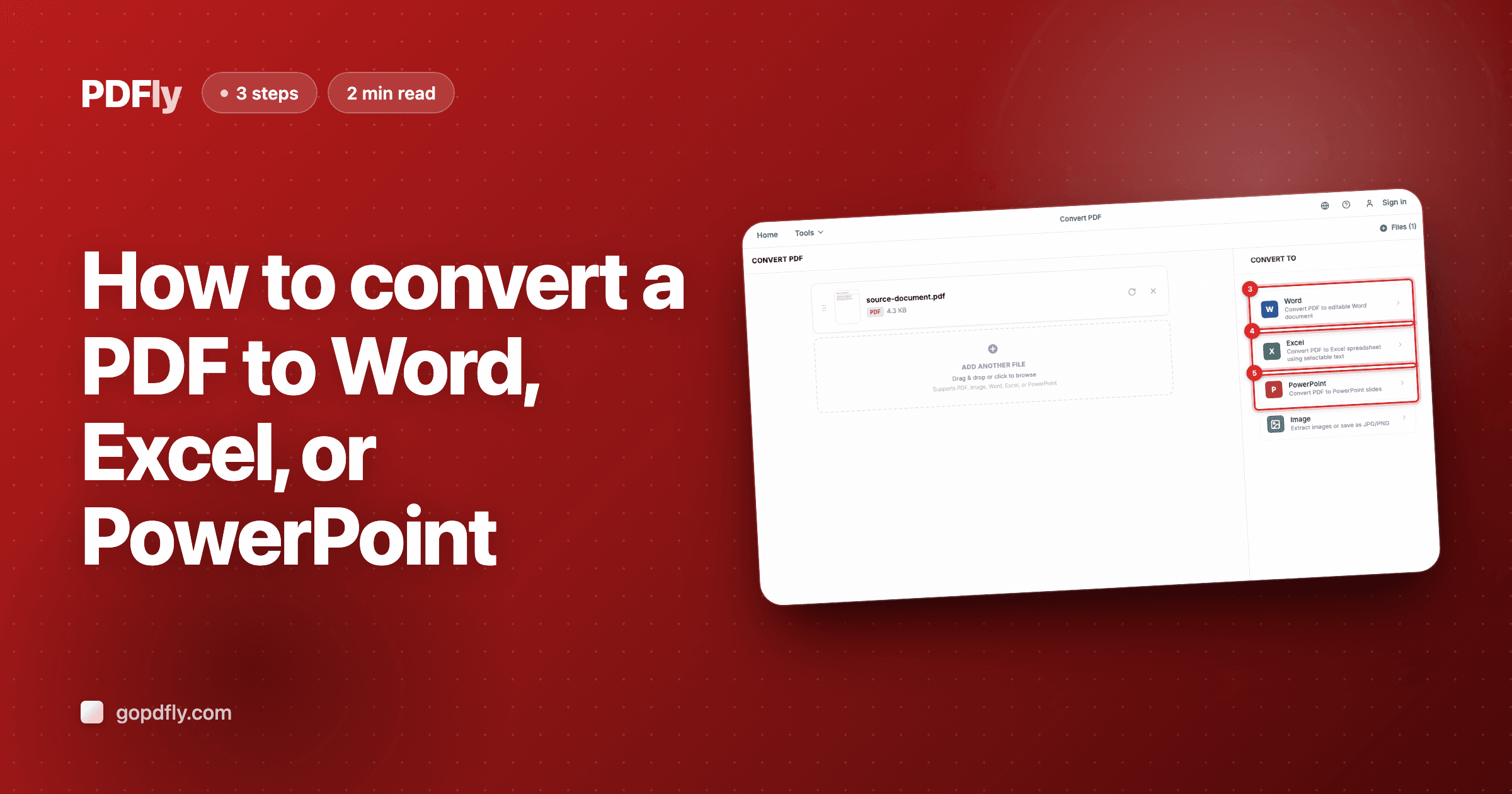
How to convert a PDF to Word, Excel, or PowerPoint
Pillar guide — pick the right Office output for your PDF and learn when to use the free vs. Premium mode.
2 min read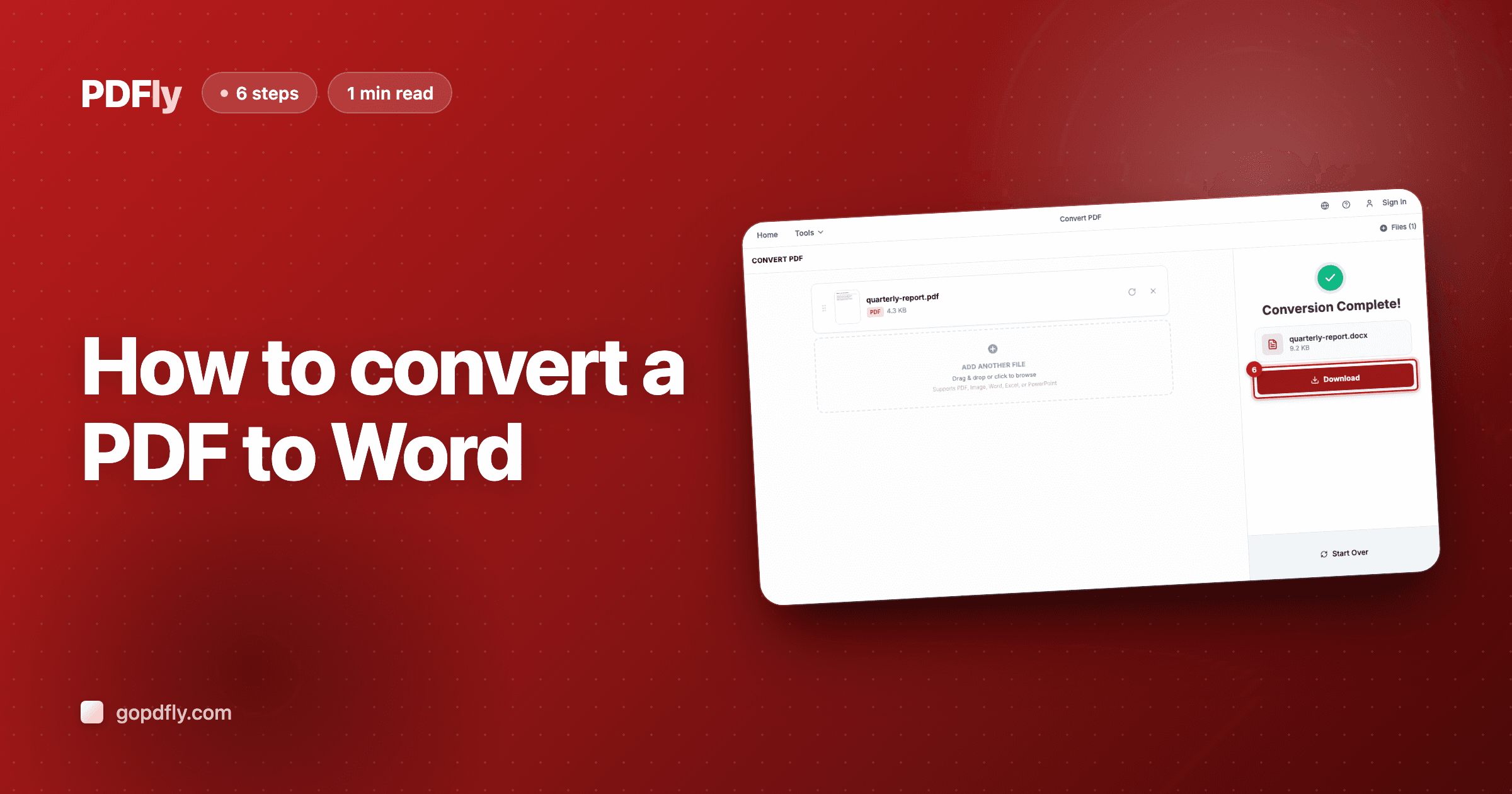
How to convert a PDF to Word
Turn any PDF into a .docx editable in Word, Google Docs, or Pages — free for selectable text, Premium for full formatting fidelity.
1 min read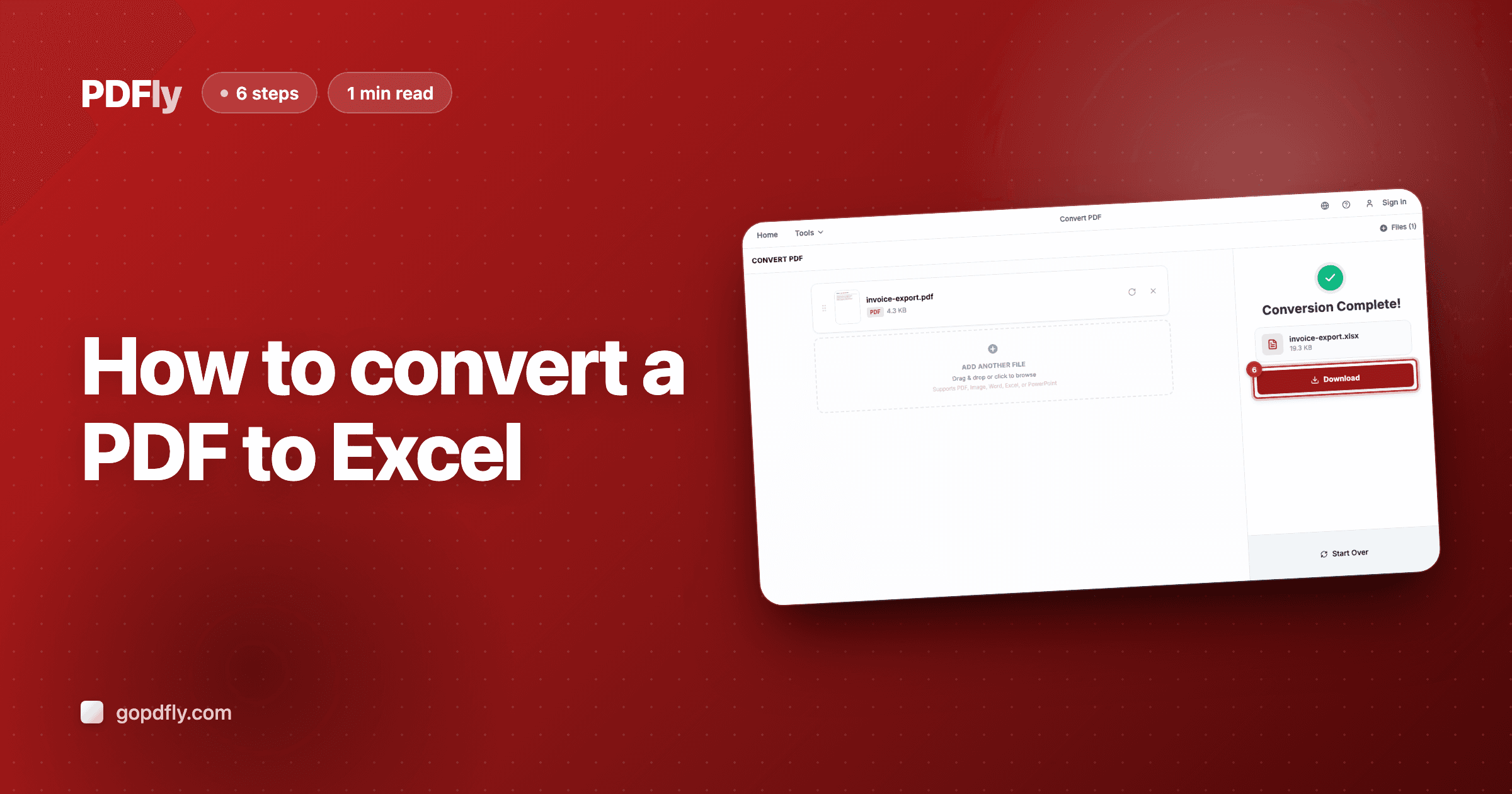
How to convert a PDF to Excel
Pull tables, invoices, and financial data from a PDF into an Excel spreadsheet — free data extraction or Premium table formatting.
1 min read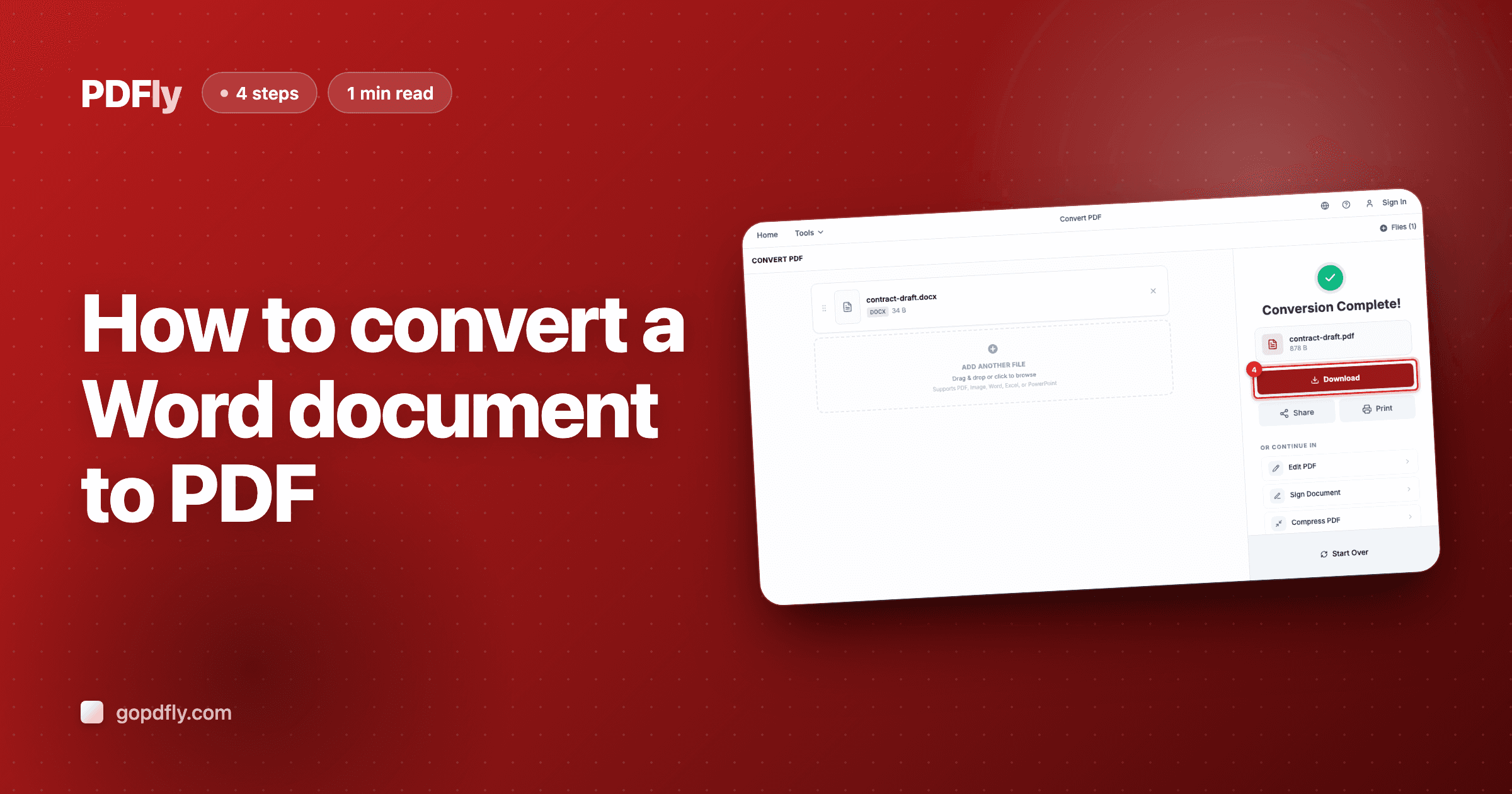
How to convert a Word document to PDF
Lock a Word document into a PDF that opens identically for everyone — fonts, layout, tables all preserved.
1 min read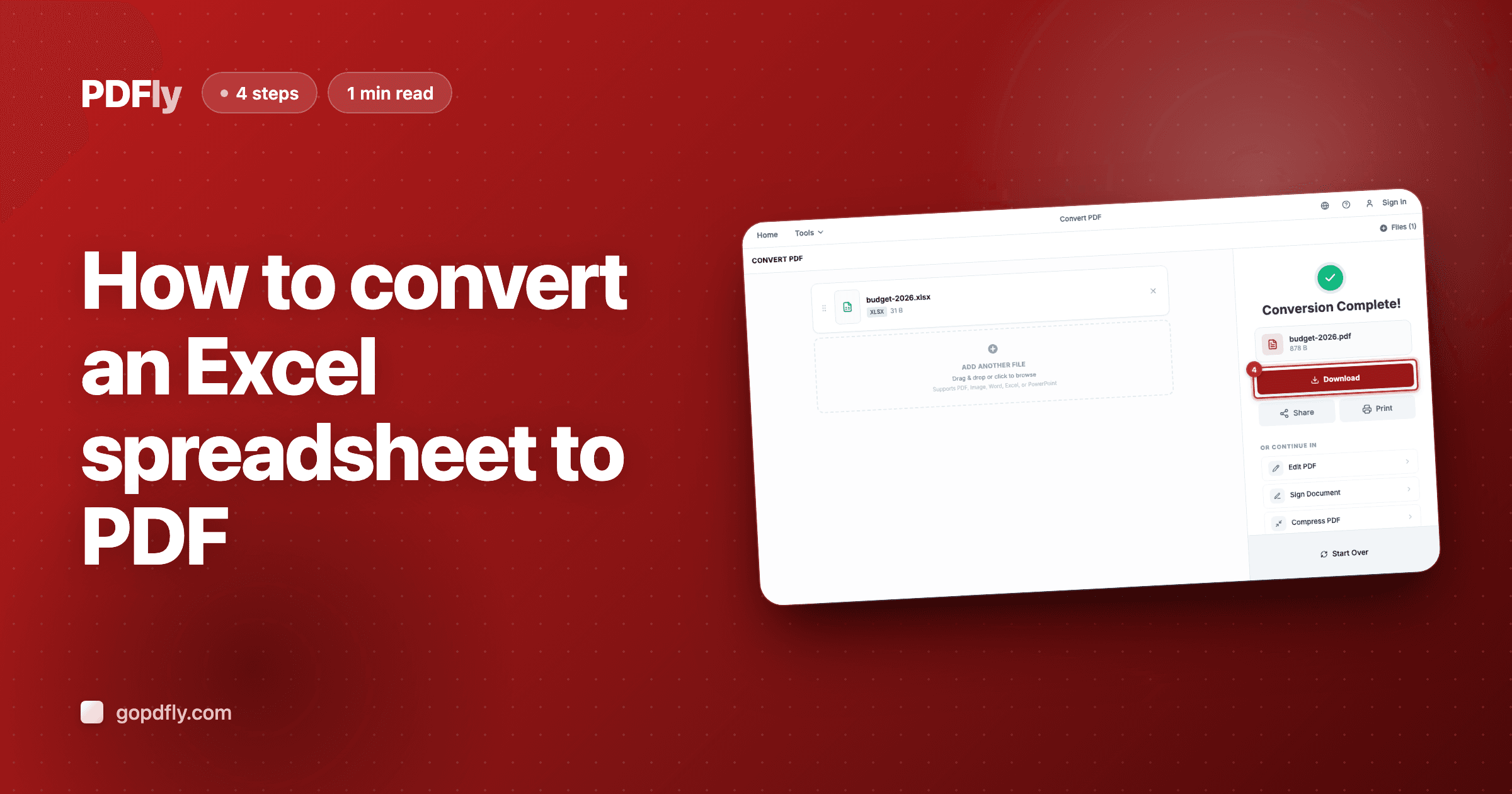
How to convert an Excel spreadsheet to PDF
Freeze an Excel workbook into a PDF — perfect for invoices, financial reports, and any spreadsheet meant to be read, not edited.
1 min read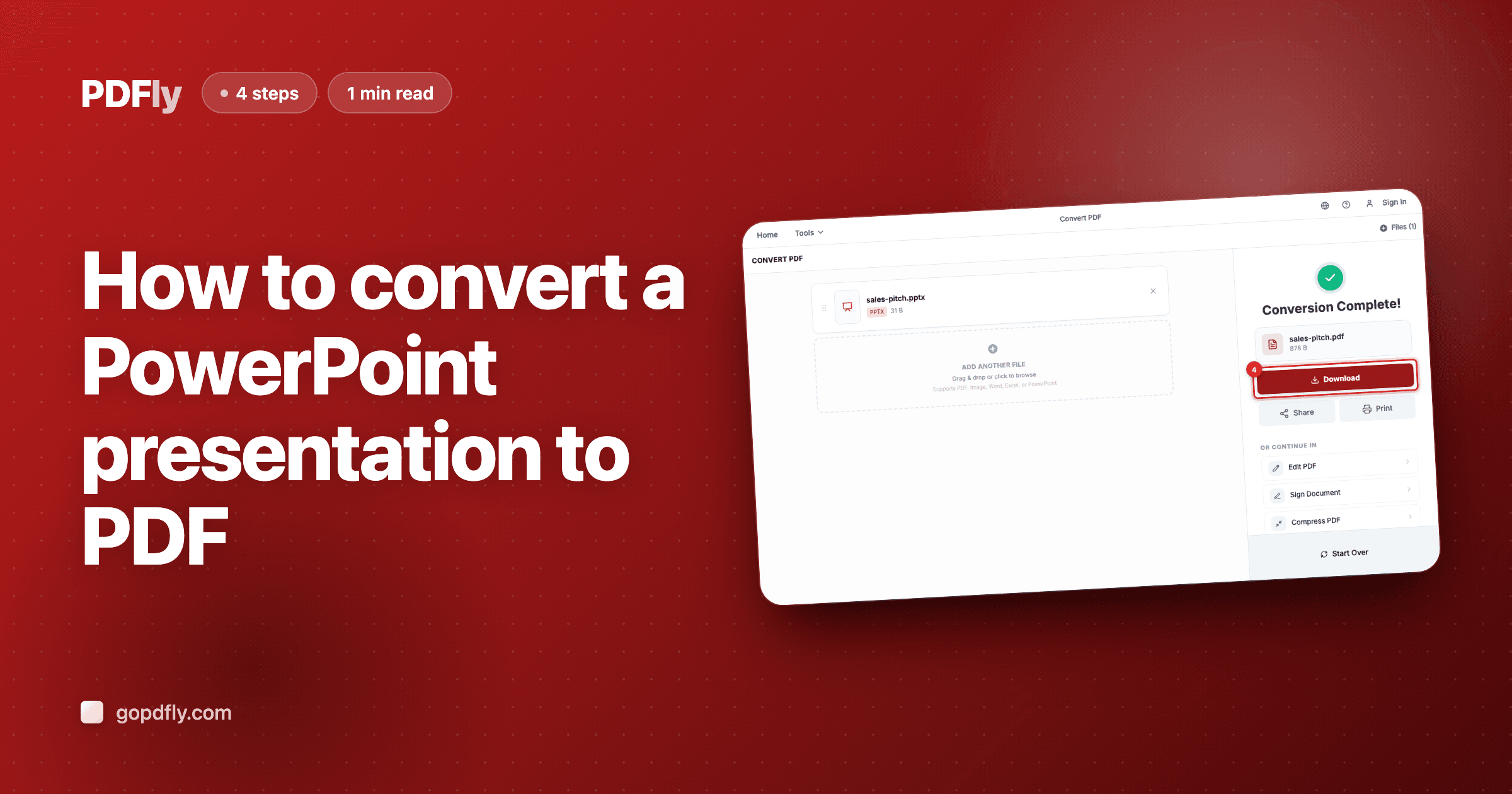
How to convert a PowerPoint presentation to PDF
Turn a PowerPoint deck into a portable PDF — share it without worrying about whether the recipient has PowerPoint or Keynote.
1 min read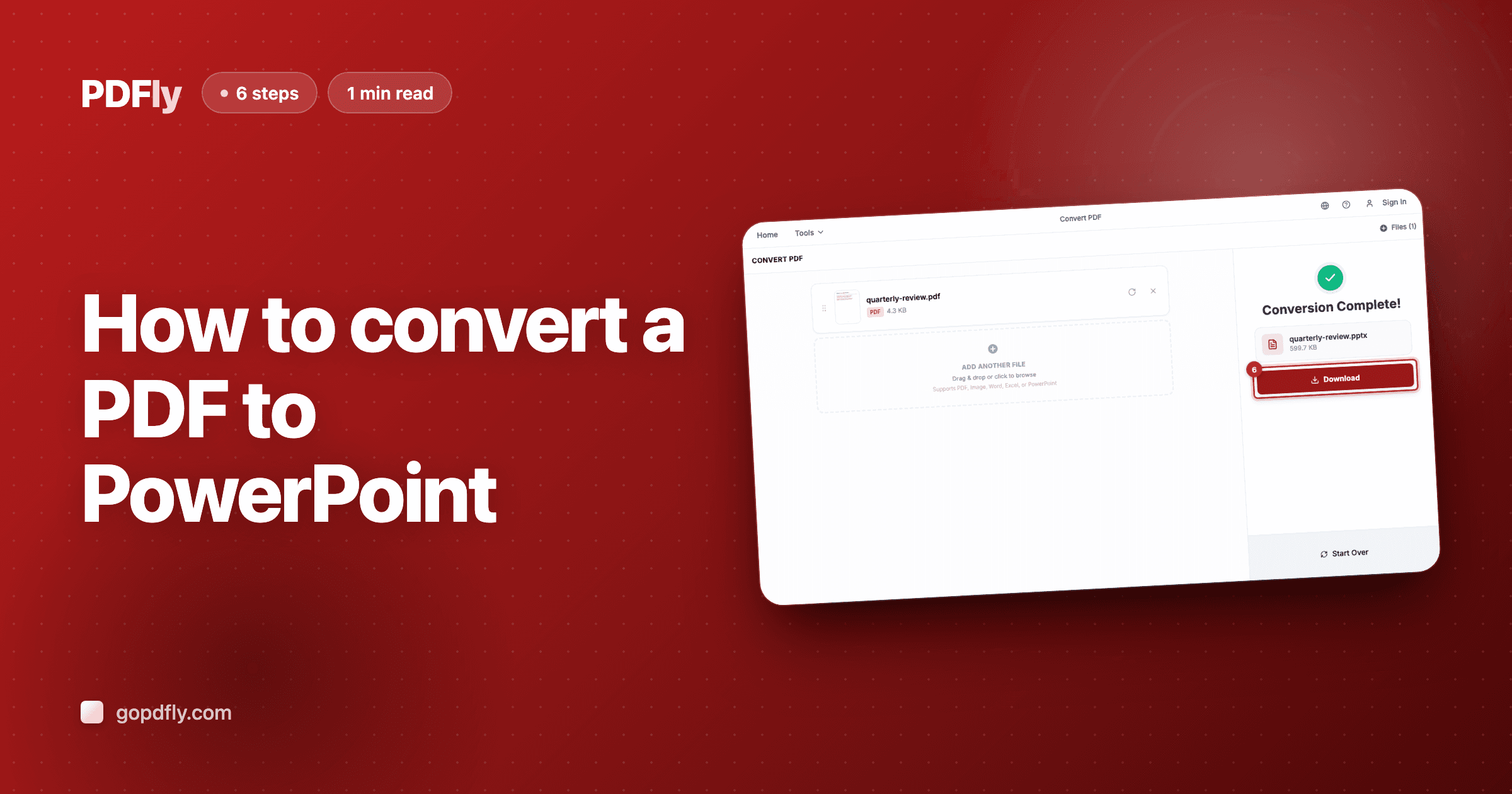
How to convert a PDF to PowerPoint
Turn any PDF into a .pptx for PowerPoint, Keynote, or Google Slides — free for image slides, Premium for fully editable text.
1 min read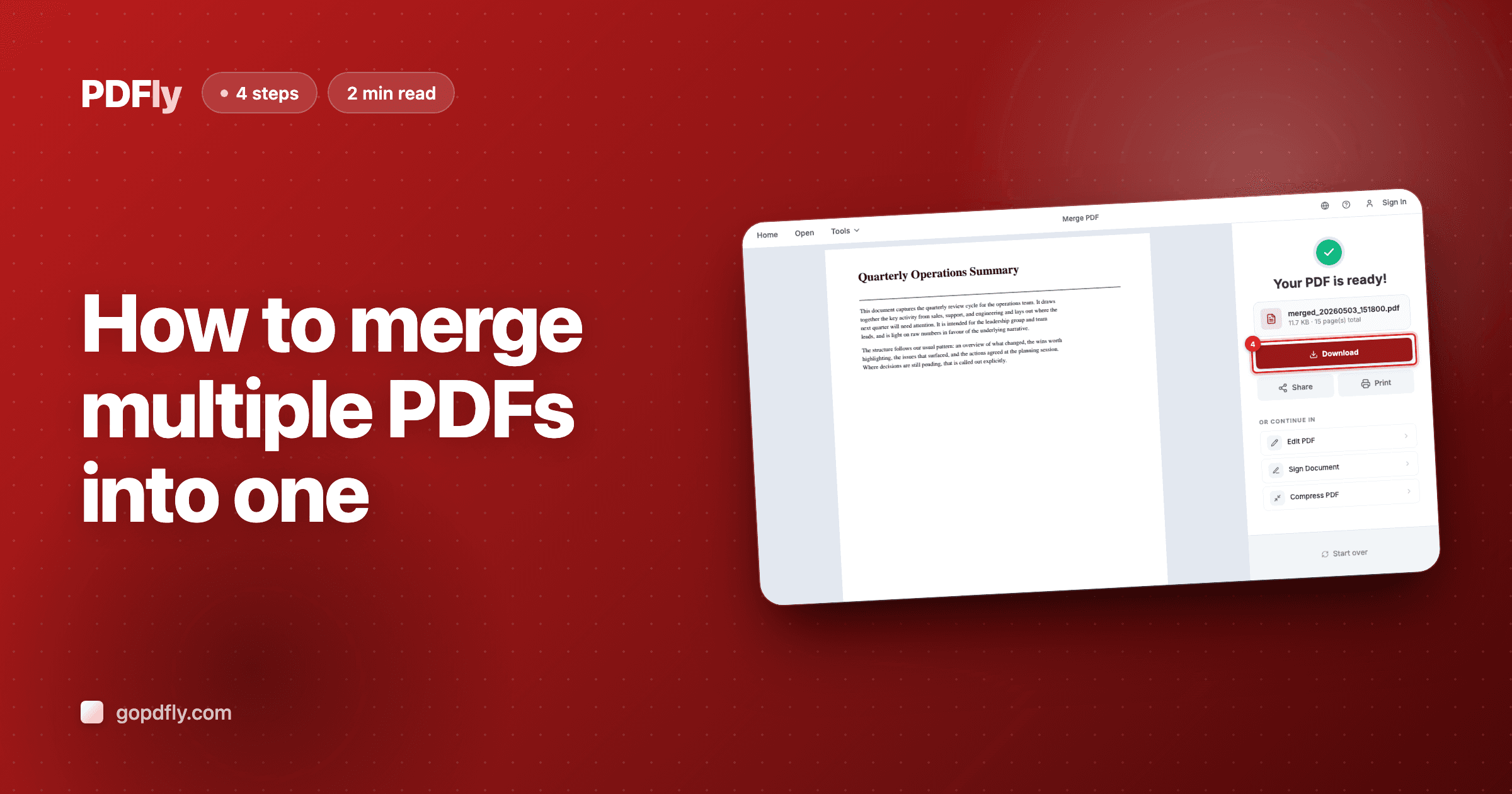
How to merge multiple PDFs into one
Combine PDFs into a single file in seconds — drag-and-drop reorder, all in your browser.
2 min read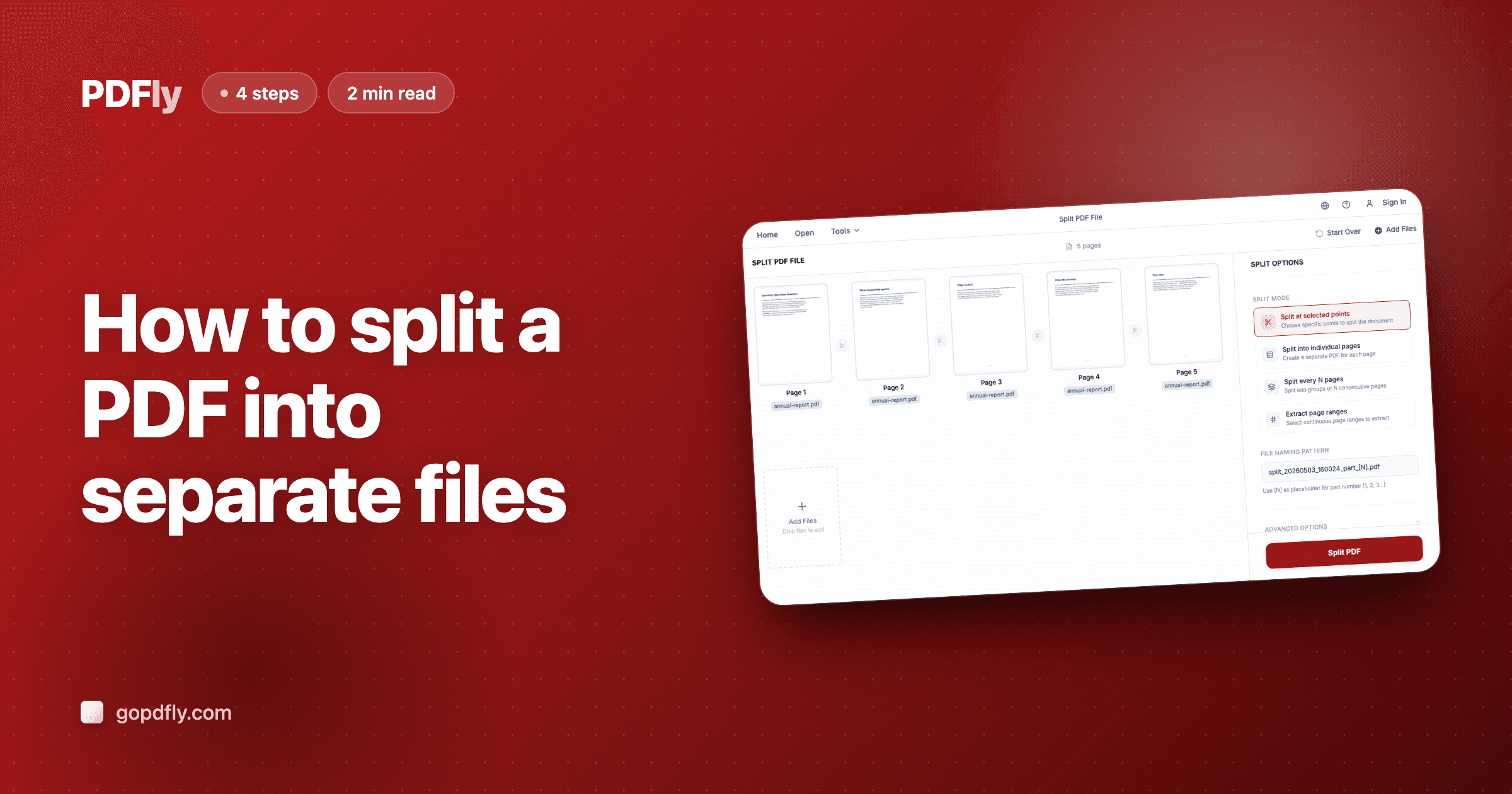
How to split a PDF into separate files
Break a long PDF into multiple files — by ranges, every N pages, or hand-picked split points.
2 min read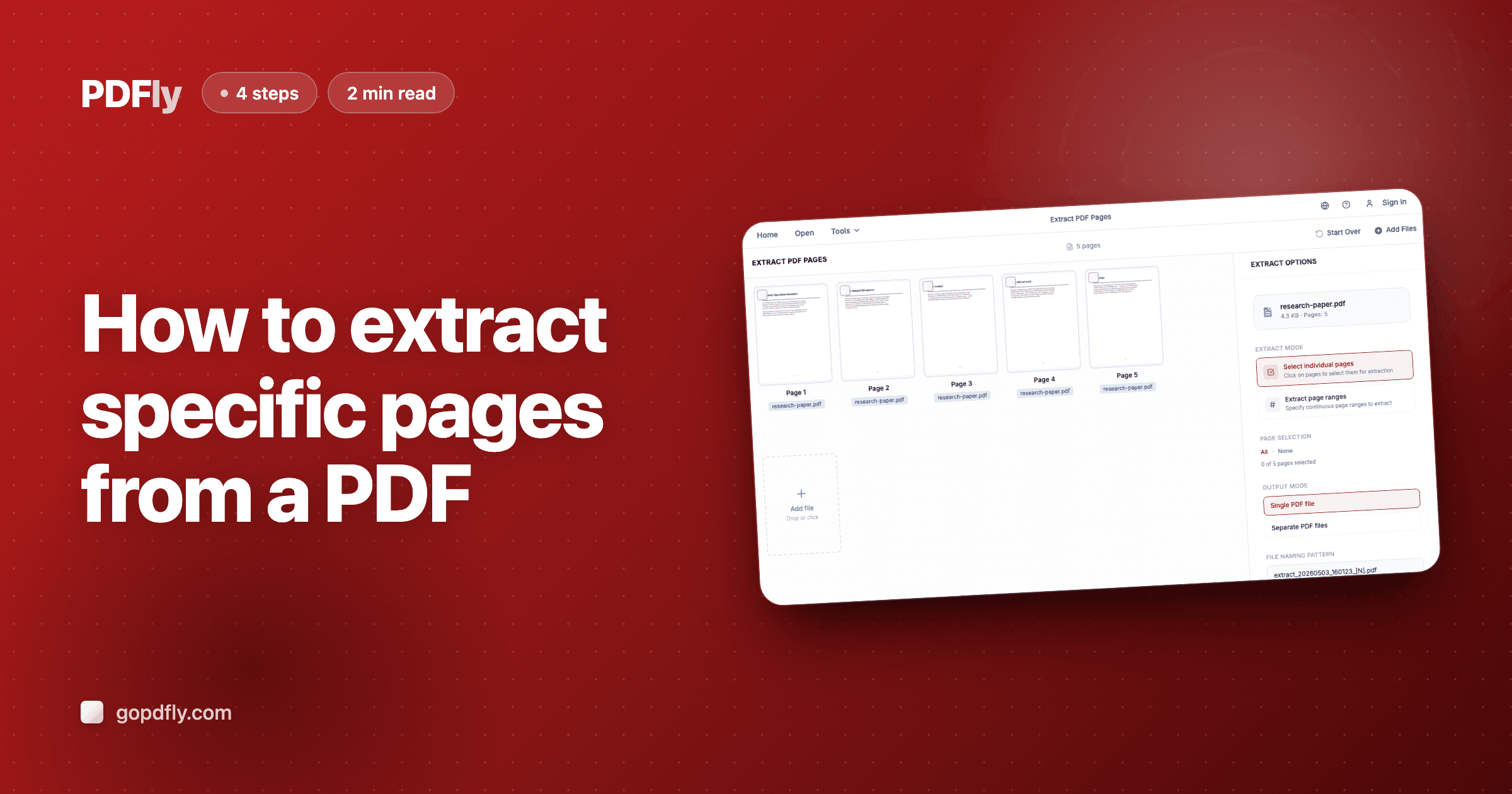
How to extract specific pages from a PDF
Pick exact pages from a PDF and save them as a single output file — checkbox or range input.
2 min read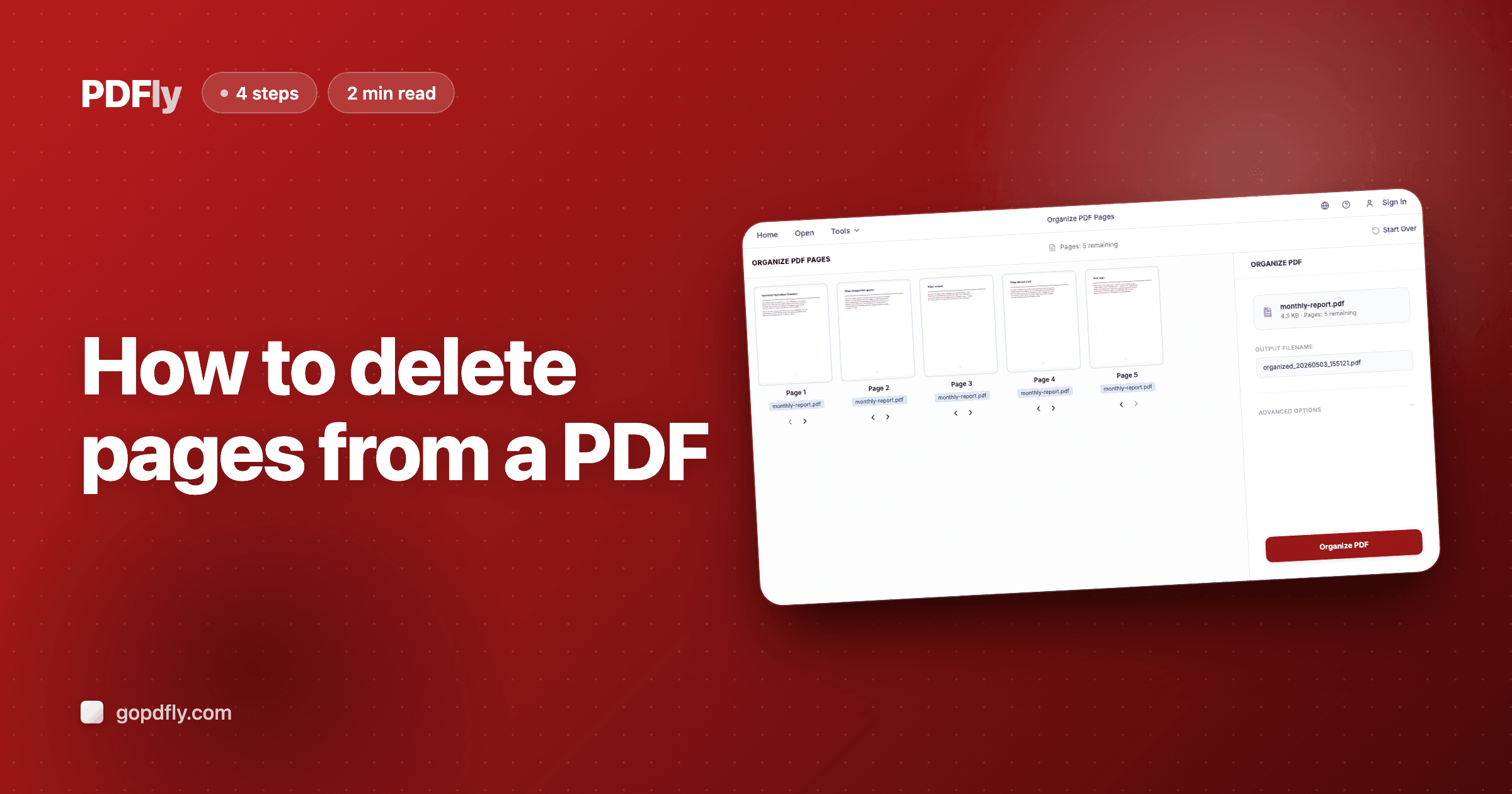
How to delete pages from a PDF
Remove blank pages, ads, or internal cover sheets — save a clean trimmed PDF in your browser.
2 min read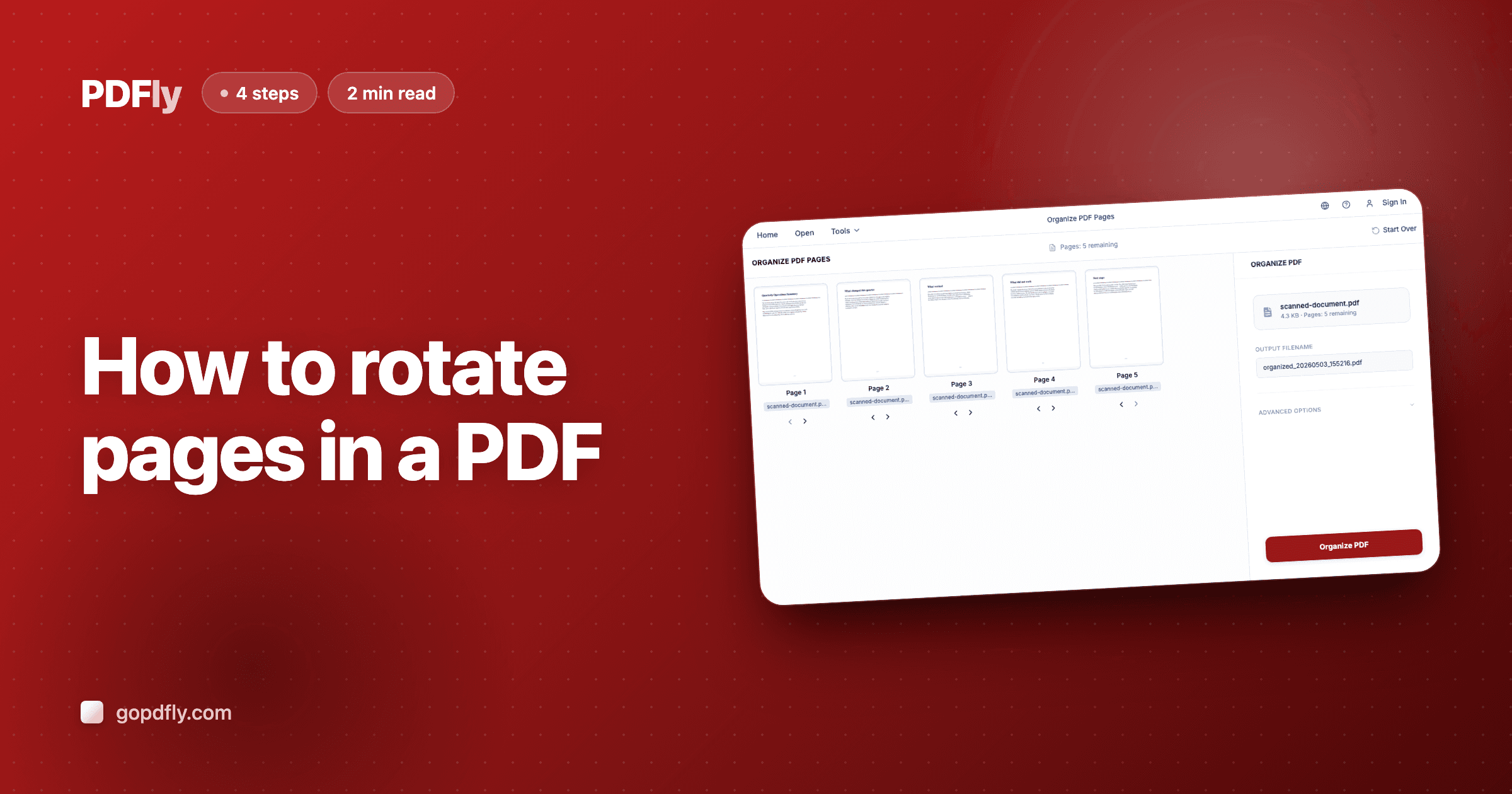
How to rotate pages in a PDF
Fix sideways or upside-down pages — single page or all at once, saved permanently in the file.
2 min read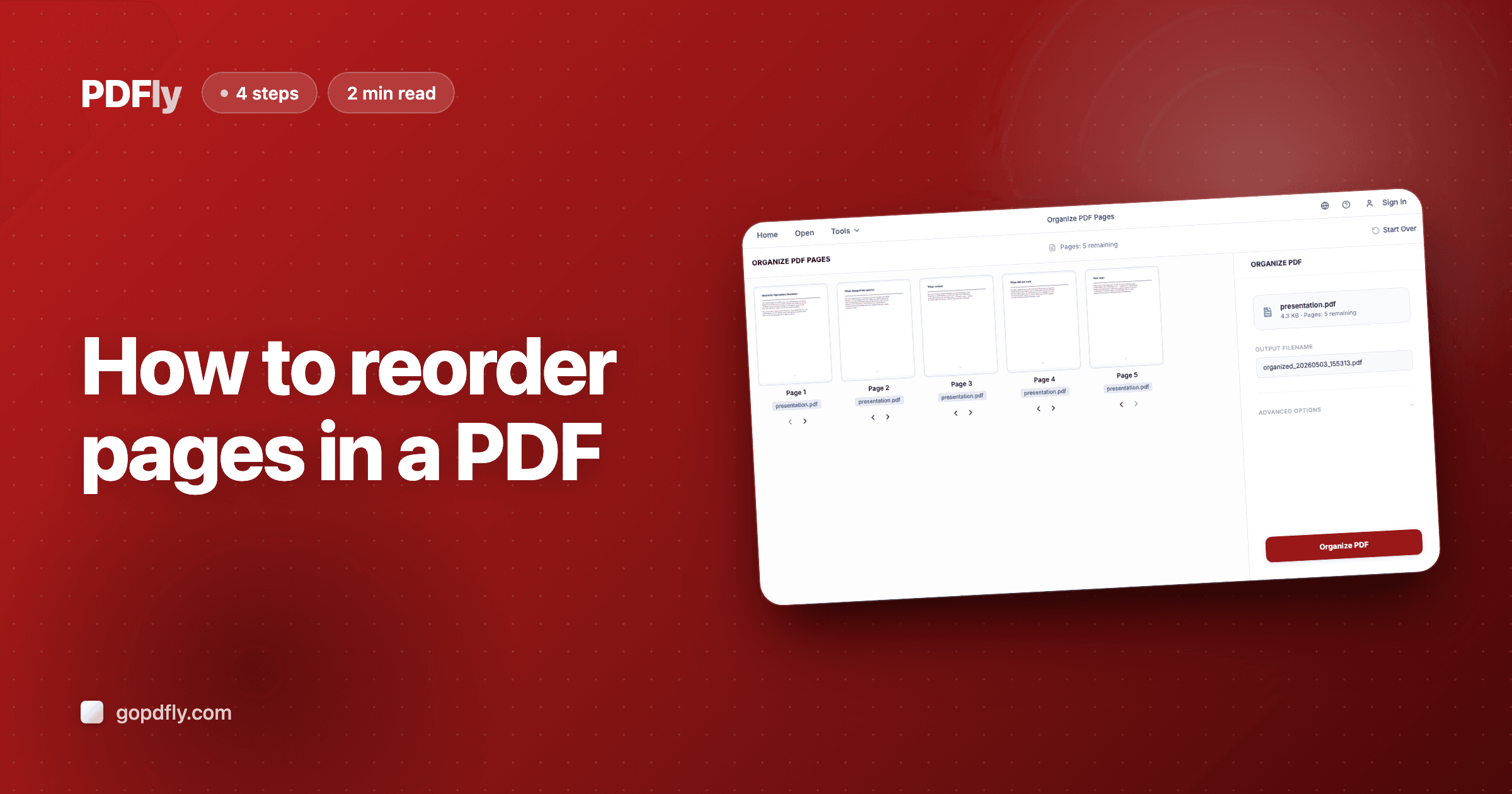
How to reorder pages in a PDF
Shuffle pages into the right sequence — drag thumbnails on desktop, arrows on mobile.
2 min read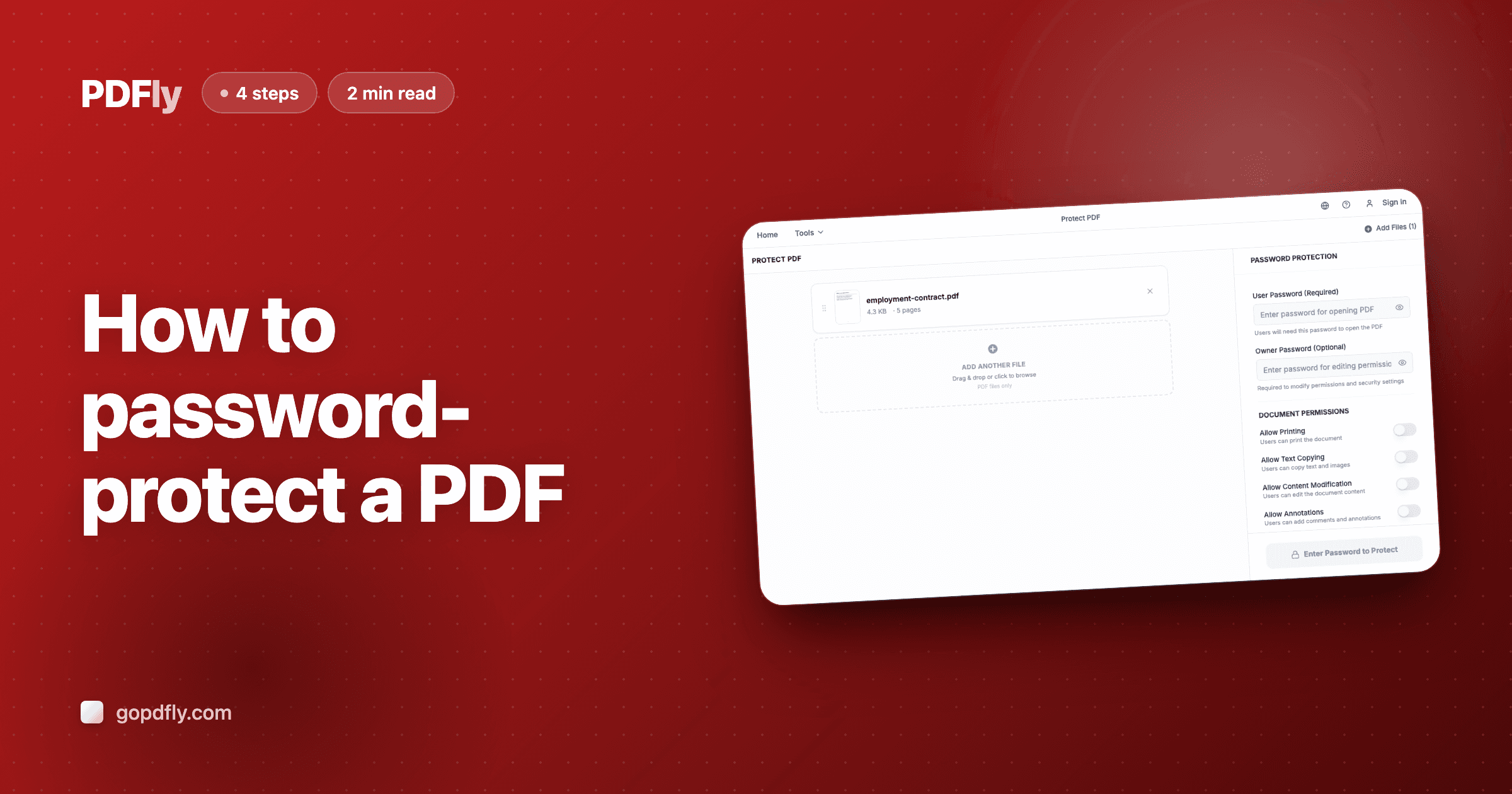
How to password-protect a PDF
Lock a PDF with a password — open password, permissions password, 256-bit AES, all in your browser.
2 min read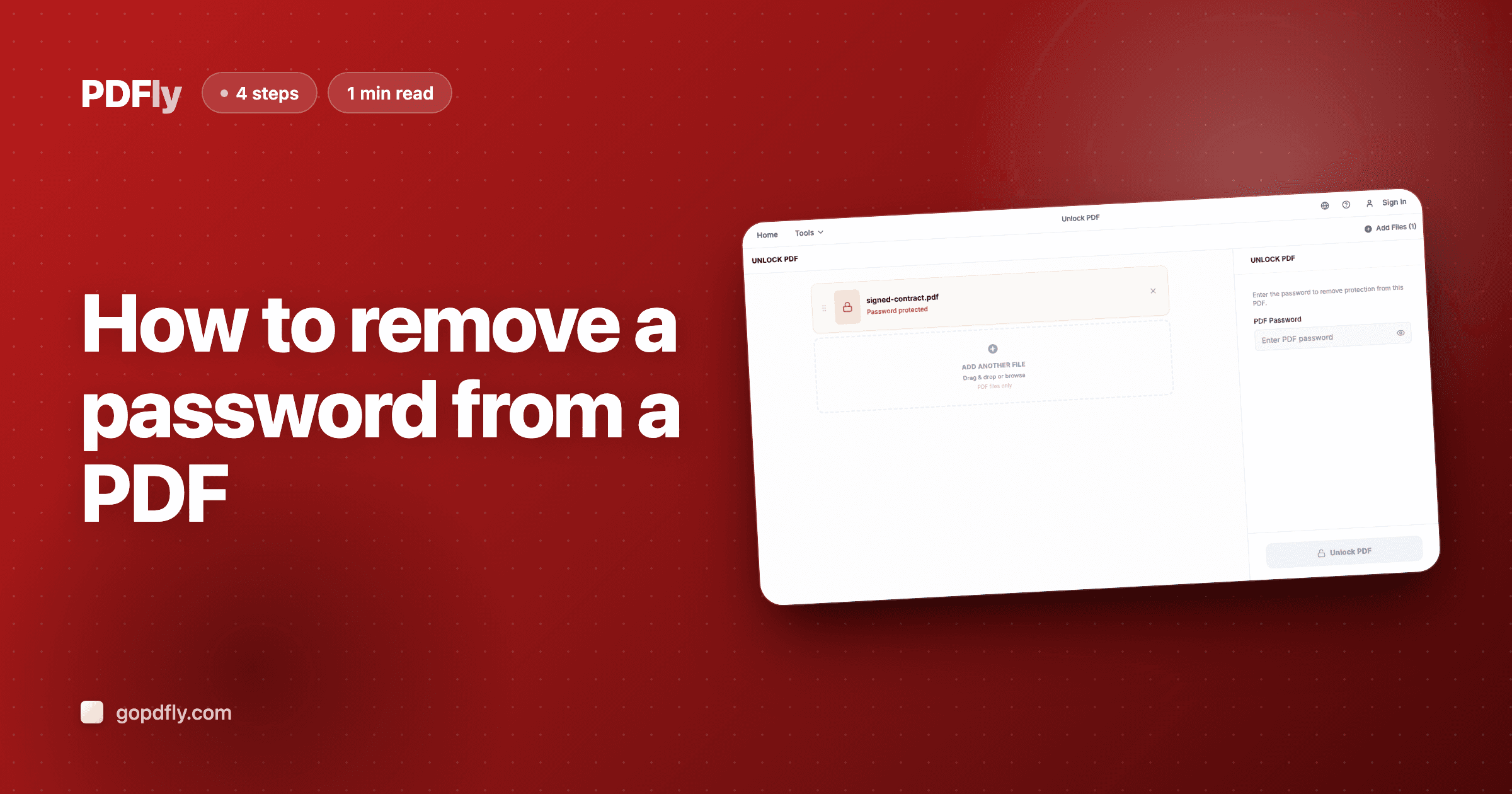
How to remove a password from a PDF
Strip the password from a PDF you can already open — no re-typing on every share or print.
1 min read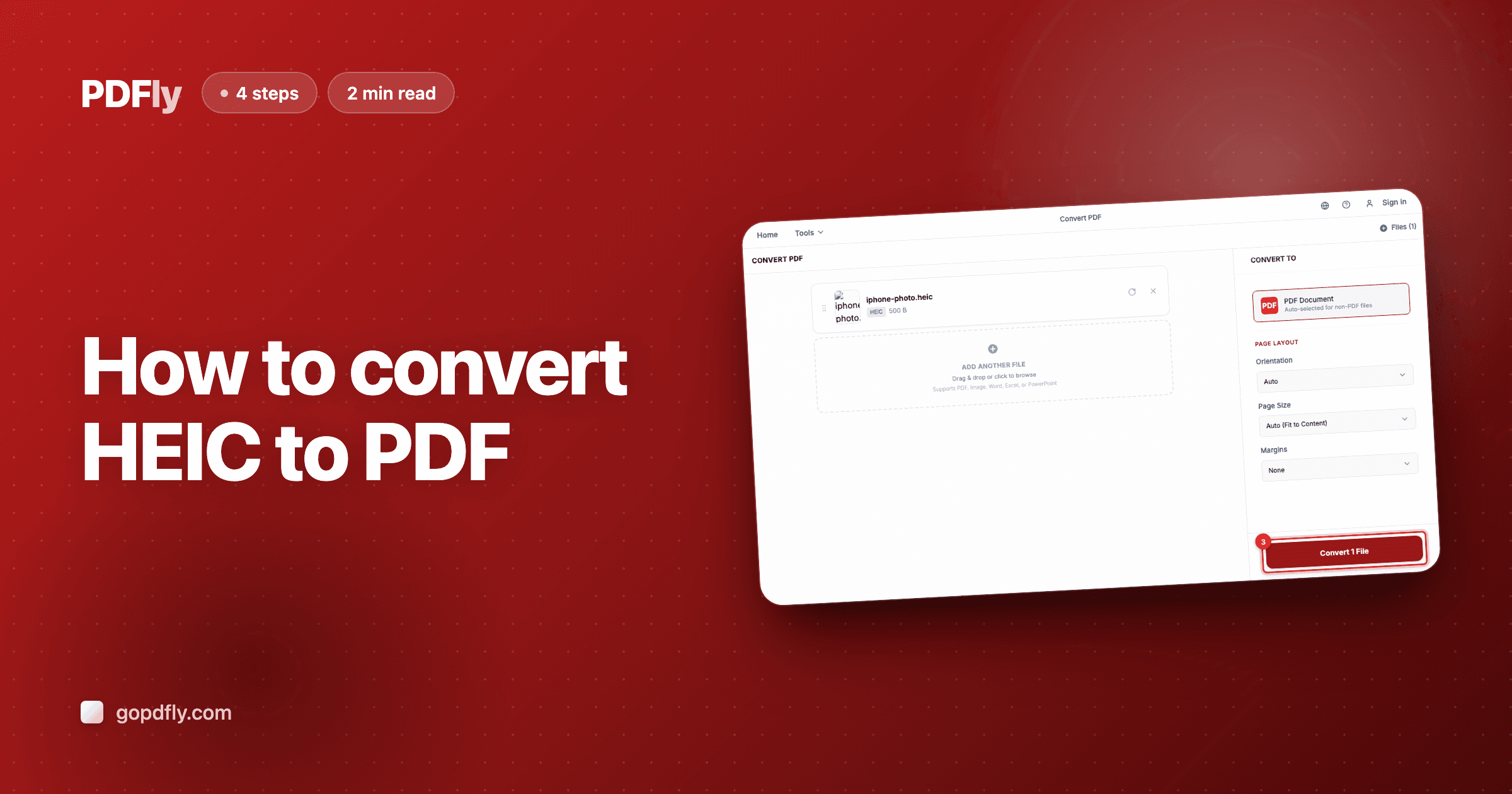
How to convert HEIC to PDF
iPhone photos saved as HEIC don't open in Windows Mail or many older apps. Wrap them in a PDF — same quality, universal compatibility.
2 min read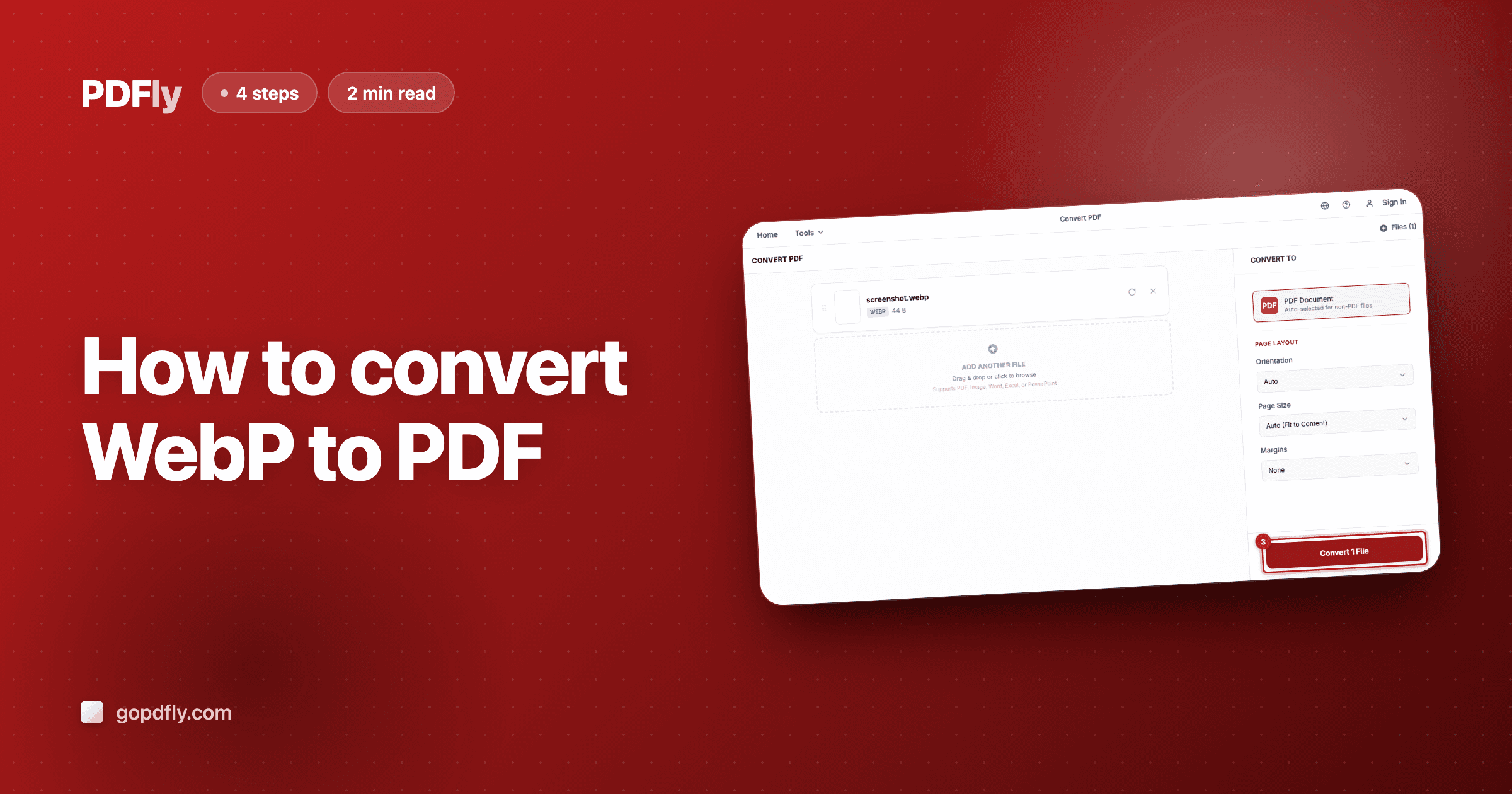
How to convert WebP to PDF
Chrome screenshots and modern websites save as WebP — but Word, Outlook, and many business systems still reject them. PDF is the universal wrapper.
2 min read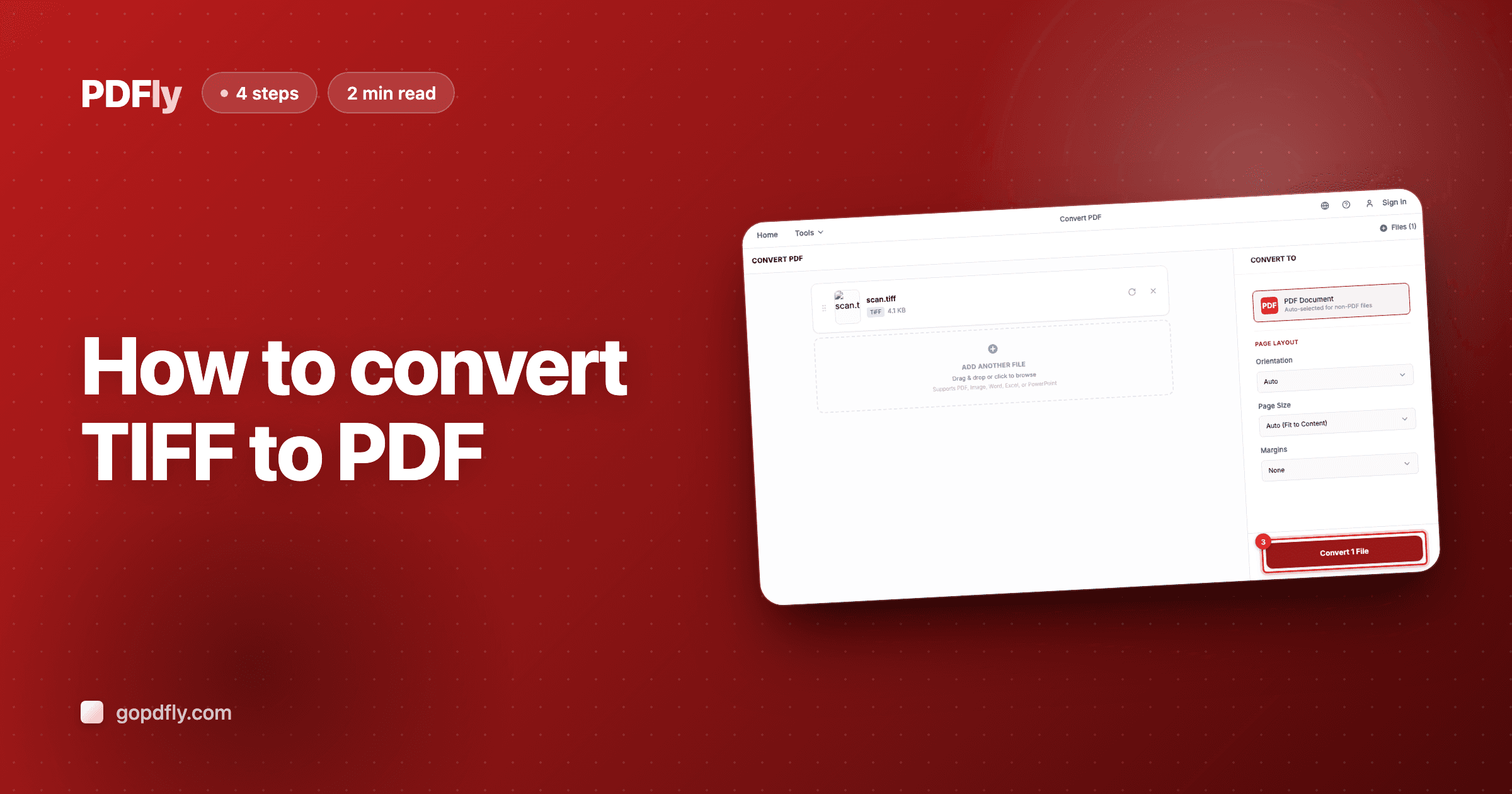
How to convert TIFF to PDF
Scanners, fax machines, and medical imaging output TIFFs; courts, banks, and archival systems demand PDFs. Convert once and the file works everywhere.
2 min read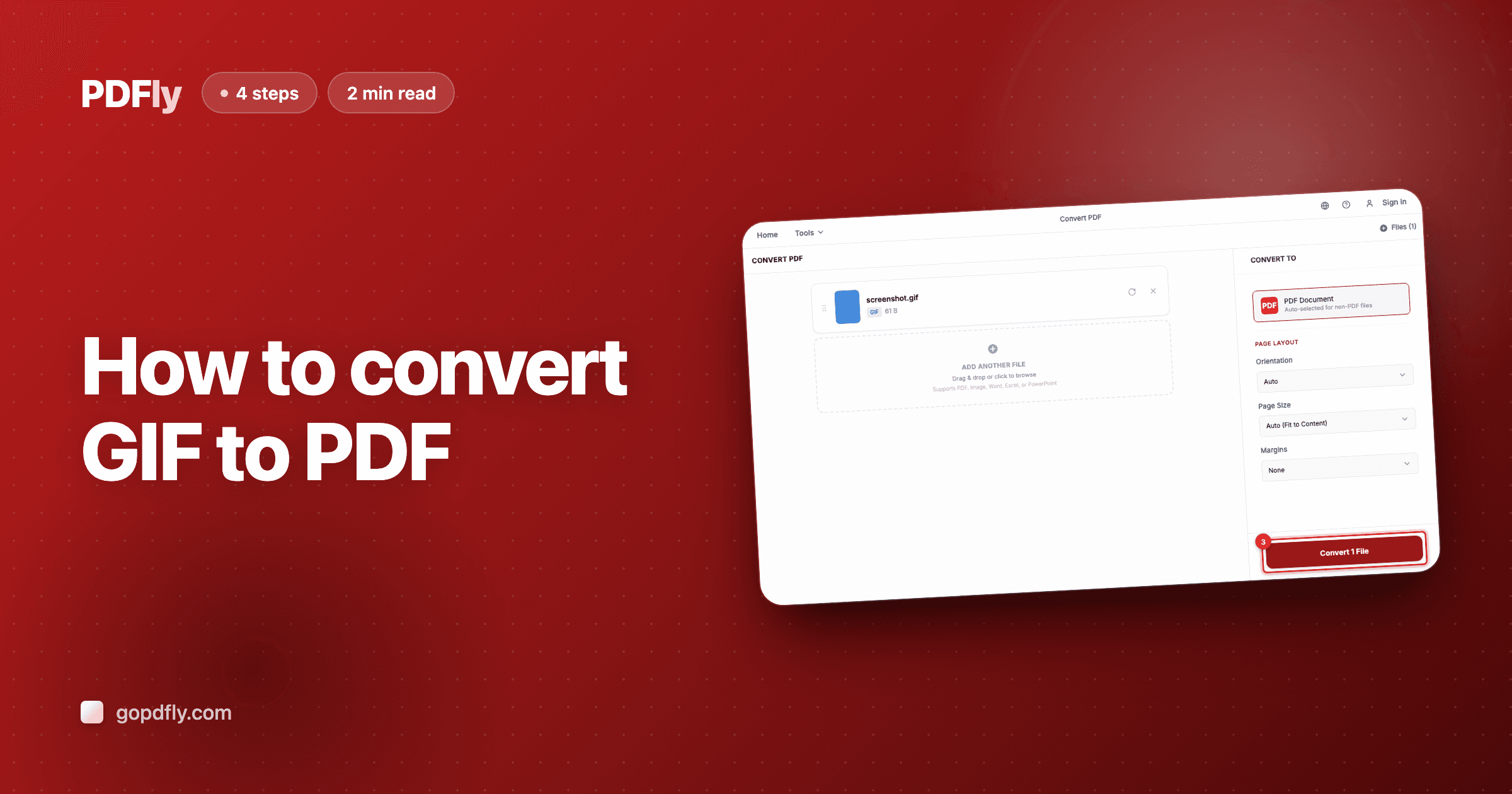
How to convert GIF to PDF
Drop a GIF screenshot, meme, or icon into a PDF page in one shot — useful for adding visual context to docs, reports, or feedback.
2 min read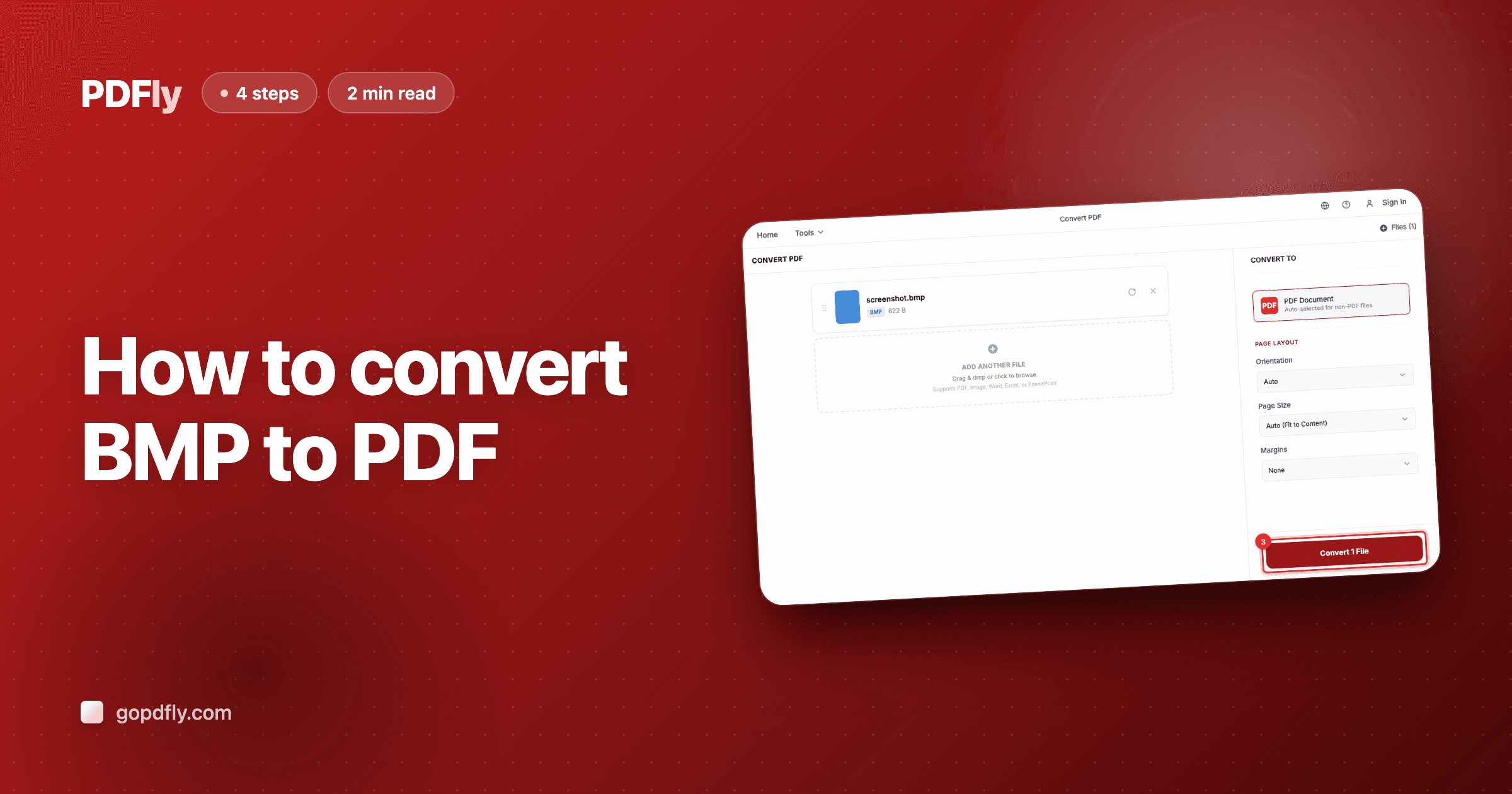
How to convert BMP to PDF
Old Windows screenshots and exports often land as BMP — huge files. Bundle them into a PDF: same image, dramatically smaller, opens everywhere.
2 min read