PNG is the format you want when image fidelity matters. It uses lossless compression (no JPEG-style artefacts around text or sharp edges) and supports transparency, which JPG can't. Common use cases: pulling a logo or icon out of a brand PDF, exporting a screenshot of a product spec for documentation, or producing high-quality slide imagery from a PDF deck.
PDFly renders each page in your browser using pdfjs, then exports via canvas.toBlob — the same lossless pipeline browsers use natively. The output file size is larger than JPG (typically 2-3× for the same page) but the quality is pristine.
- 1
Step 1 — Open the Convert tool
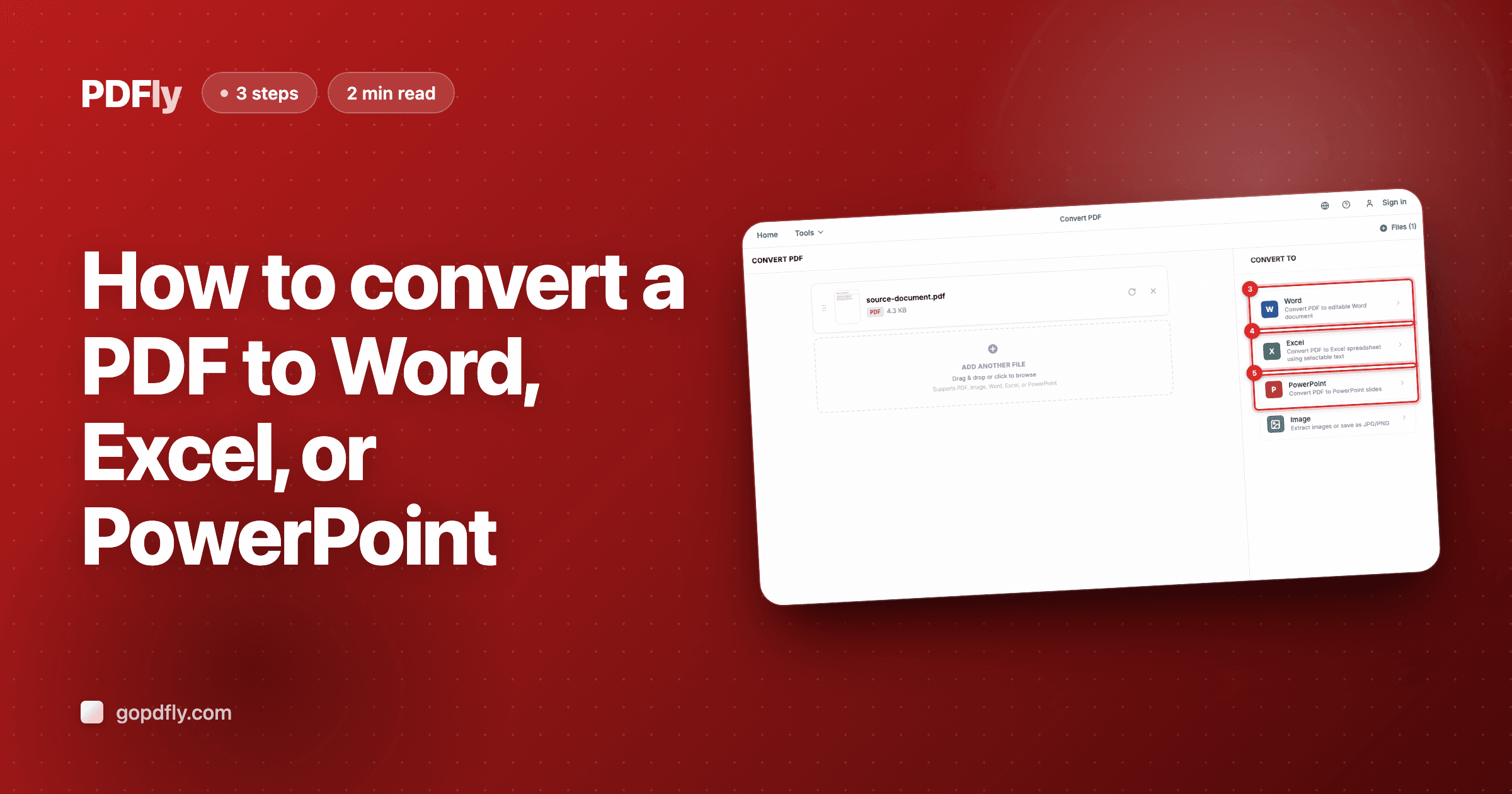
Open the Convert tool. You'll see the upload screen titled "Convert PDF".

- 2
Step 2 — Upload your PDF
Click "Choose Files" and pick the PDF you want as PNG images — or drag it onto the page. Each PDF page becomes one PNG file at full lossless quality.

- 3
Step 3 — Pick the Image format
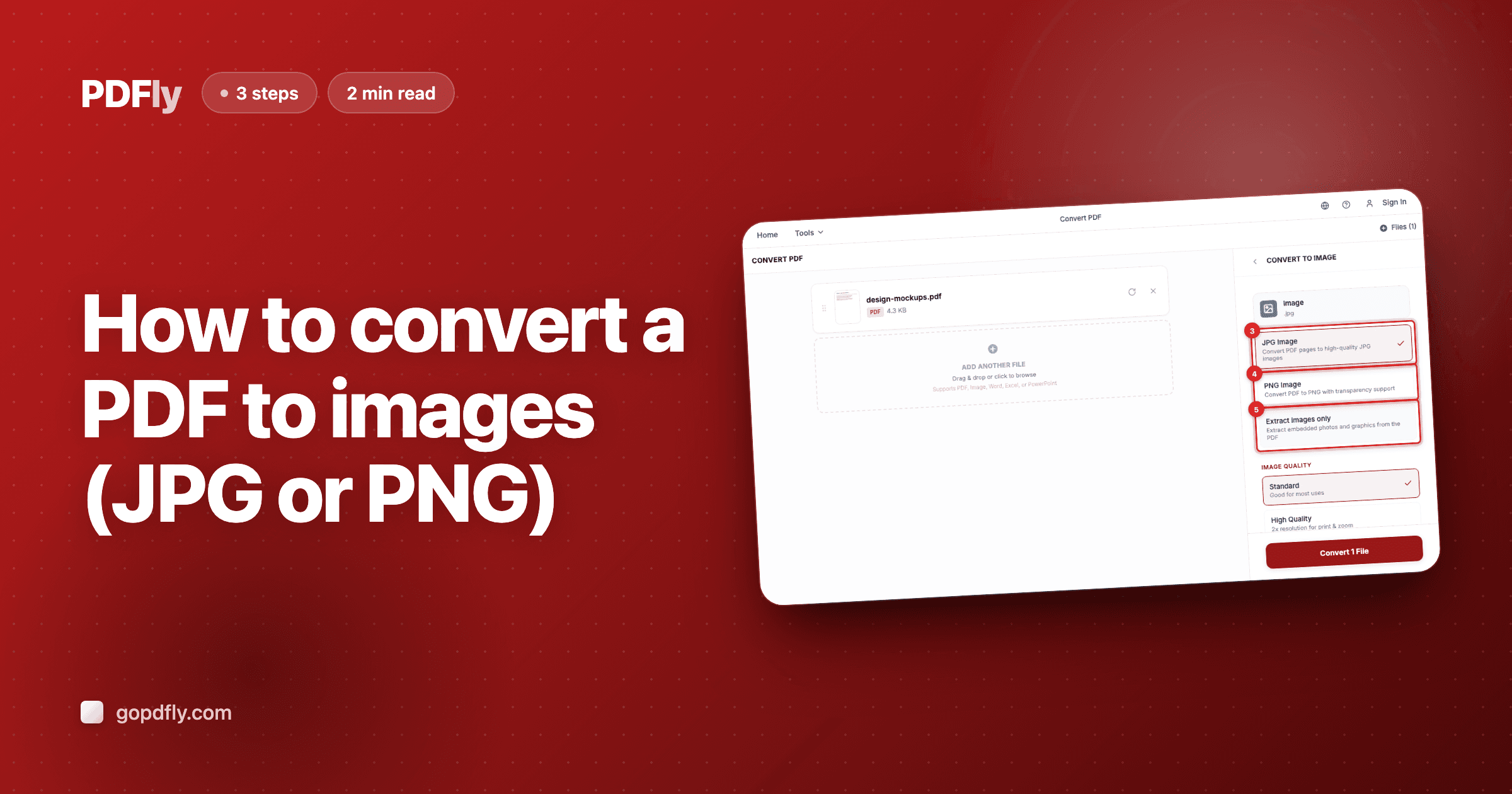
In the sidebar, click the "Image" format. PDFly will reveal three sub-options: JPG, PNG, and the Premium "Extract images only" mode.

- 4
Step 4 — Choose PNG
Click "PNG Image" to render the PDF pages as lossless PNG images. An Image Quality selector appears underneath — Standard for screen use (free), High Quality for print or high-DPI displays (Premium).

- 5
Step 5 — Run the conversion
Click the convert button at the bottom of the sidebar. PDFly walks each PDF page, renders it to a canvas, and exports each as a PNG — usually a few seconds for a typical document.

- 6
Step 6 — Download the PNG images
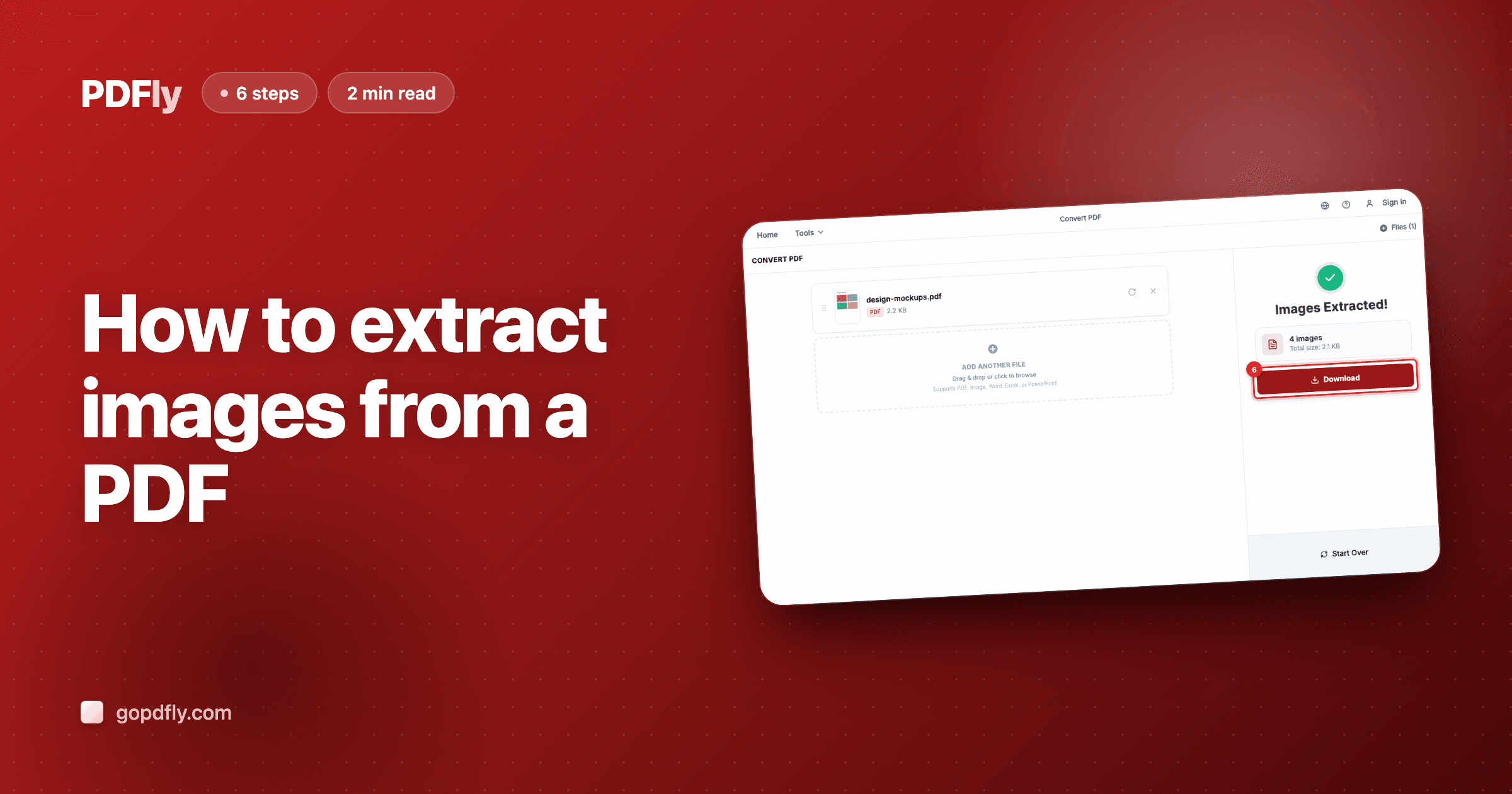
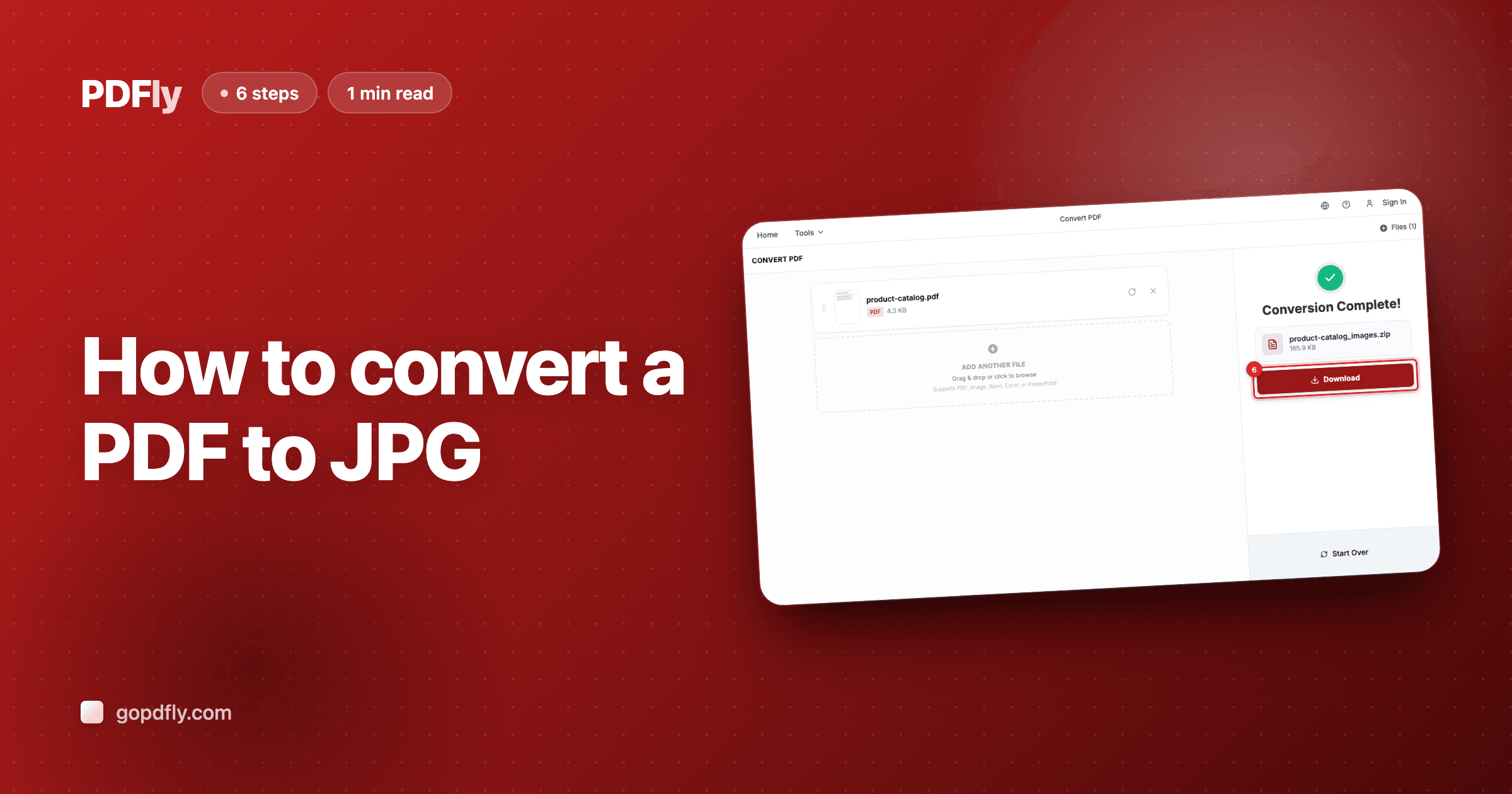
When the conversion finishes, the result panel lists every PNG with its file name and size. Click "Download" to grab them — single page comes down as a PNG, multi-page documents bundle into a ZIP.

Related guides
- Compare JPG vs. PNG outputWhen file size matters more than lossless quality, JPG is the better fit.
- Need smaller files? Convert a PDF to JPGJPG produces files 2-3× smaller — better for chats, web posts, and bulk sharing.
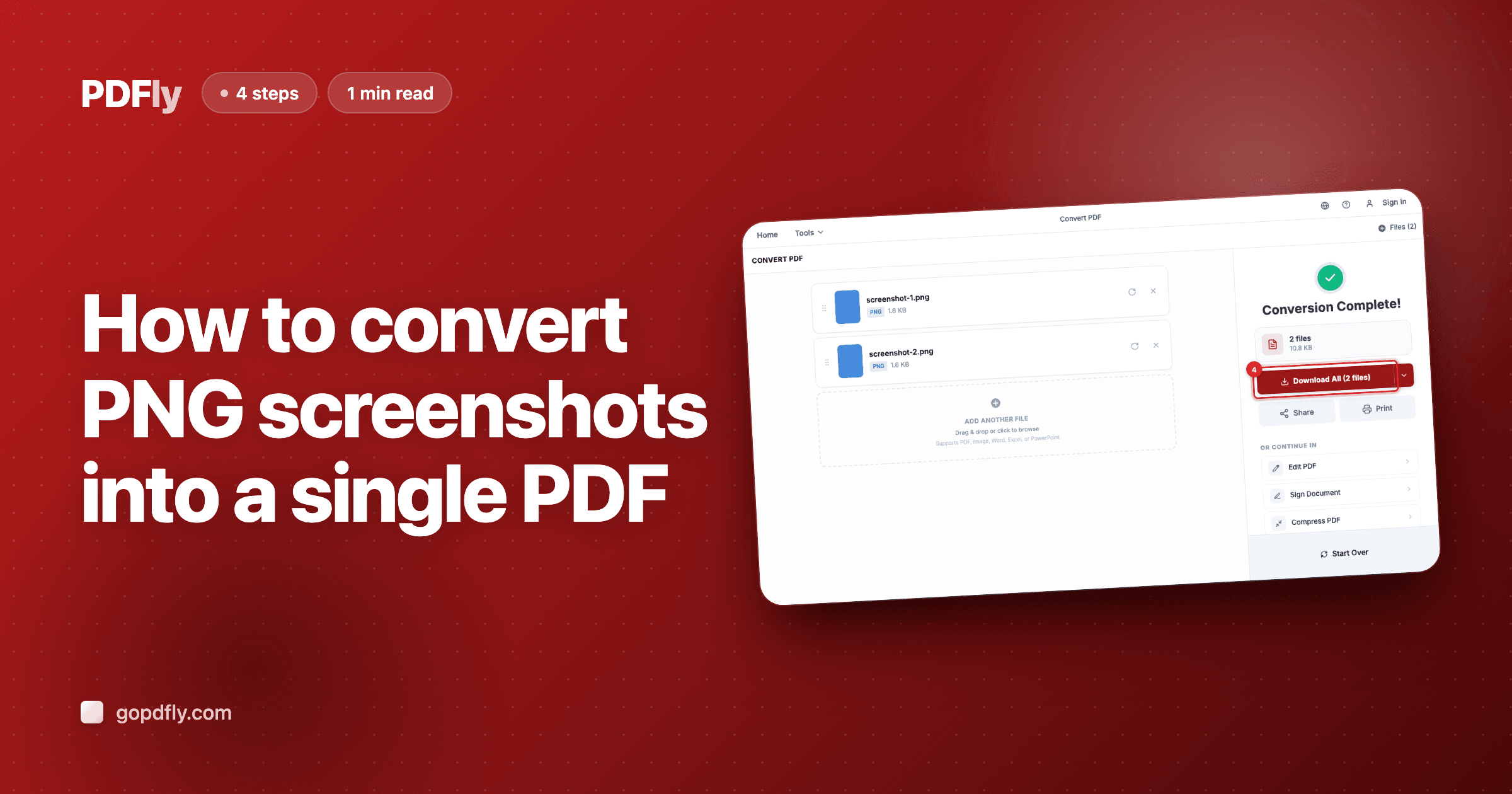
- Going the other way? Combine PNGs into a PDFStitch a folder of screenshots or scans into a single shareable PDF.