BMP (Bitmap) is the legacy Windows image format — every pixel stored uncompressed, which means a screenshot of a typical desktop can easily run 5-10 MB. That's painful to email, painful to upload, and painful to store. PDF compresses the embedded image (using JPEG-style lossy or PNG-style lossless inside the PDF) and produces a file an order of magnitude smaller — without changing what you see on screen.
PDFly decodes the BMP using your browser's native image engine (BMP support has been universal in browsers for over a decade) and embeds the result into a PDF page with PDF's built-in compression. Everything runs locally — no server upload.
- 1
Step 1 — Open the Convert tool
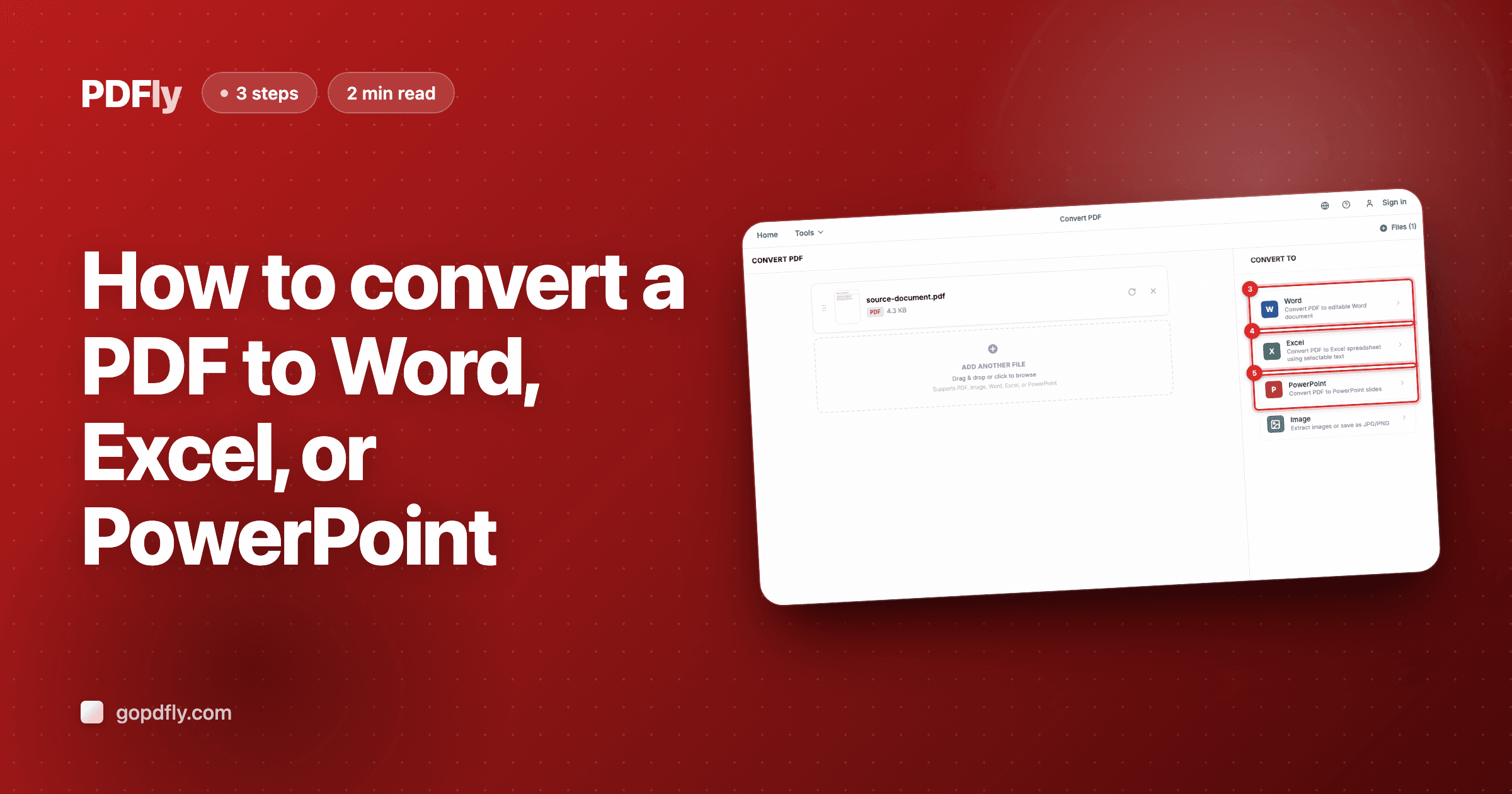
Open the Convert tool. The upload screen titled "Convert PDF" is where you drop the BMP file you want to wrap into a PDF.

- 2
Step 2 — Upload your BMP file
Click "Choose Files" and pick the BMP file you want to convert — or drop it onto the page. Upload more than one to bundle them all into a single PDF.

- 3
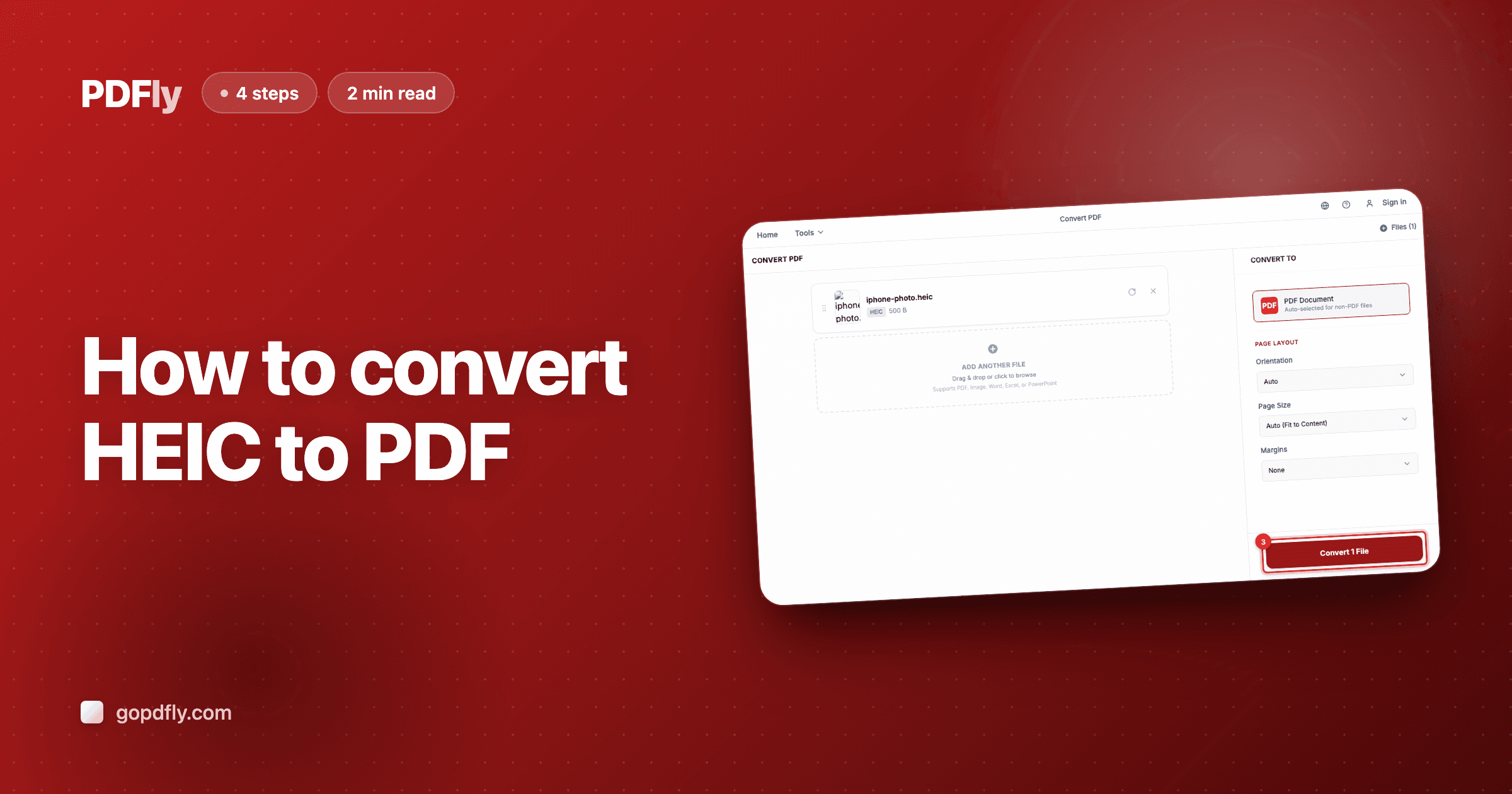
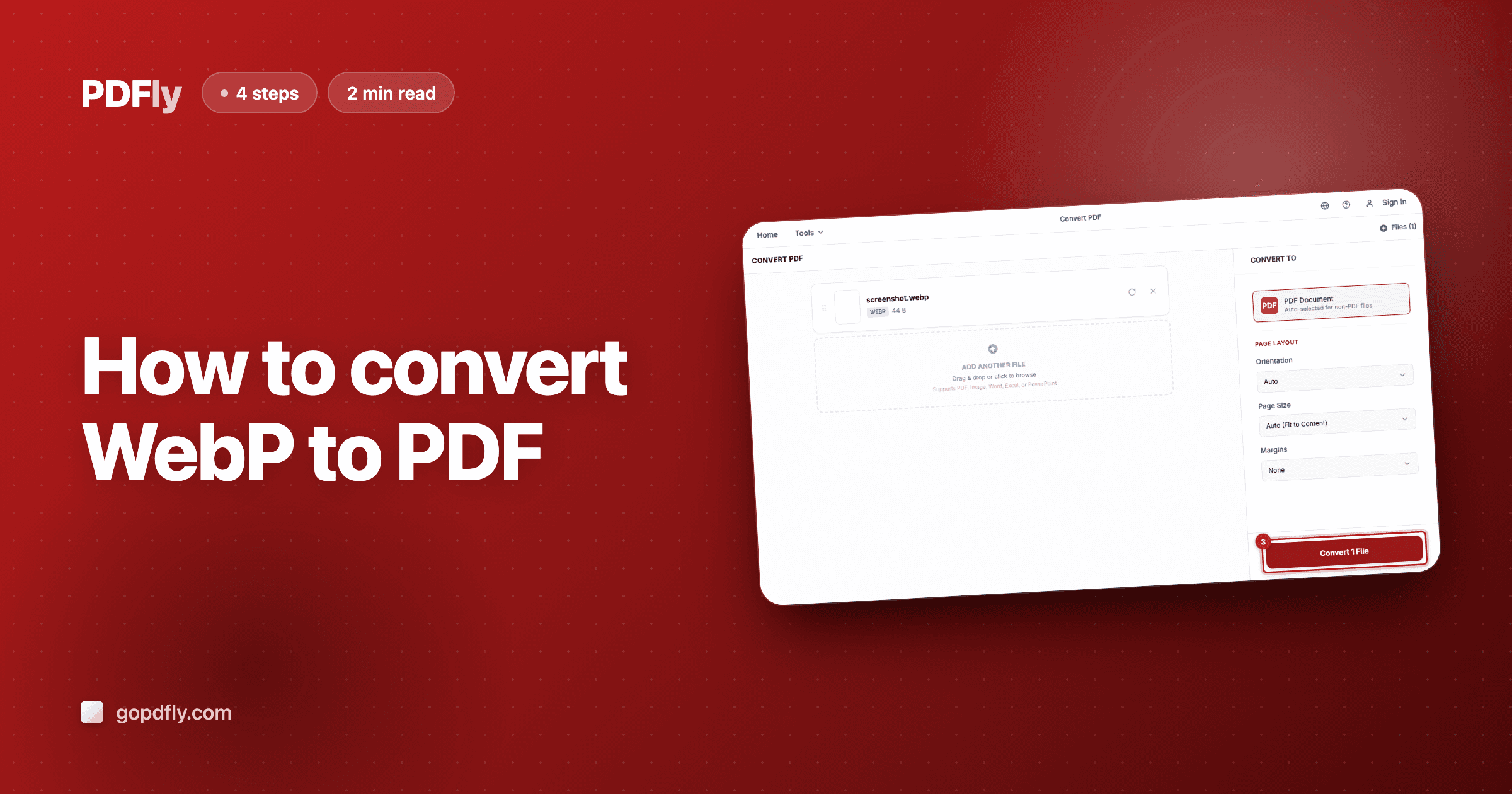
Step 3 — Run the conversion
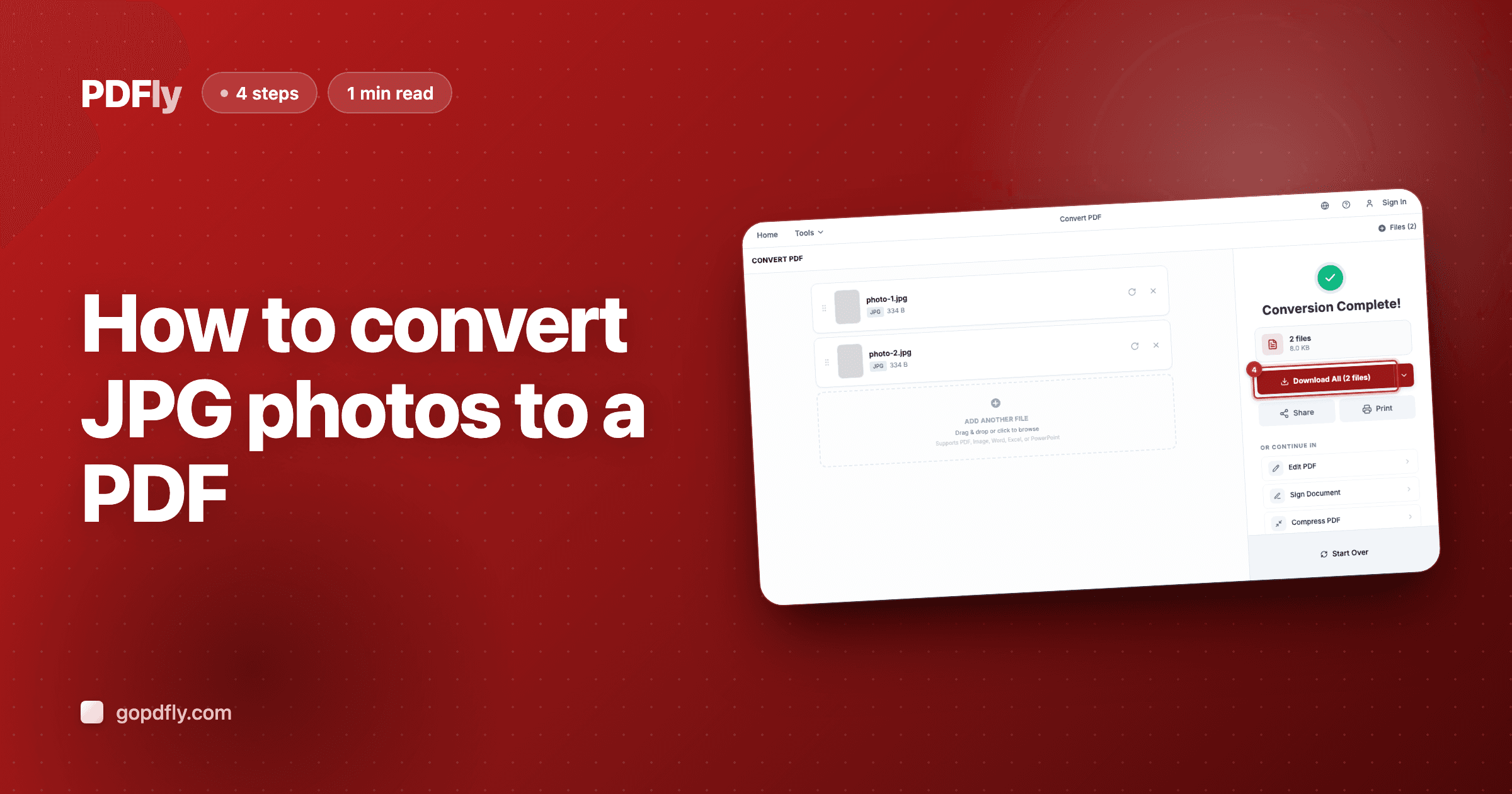
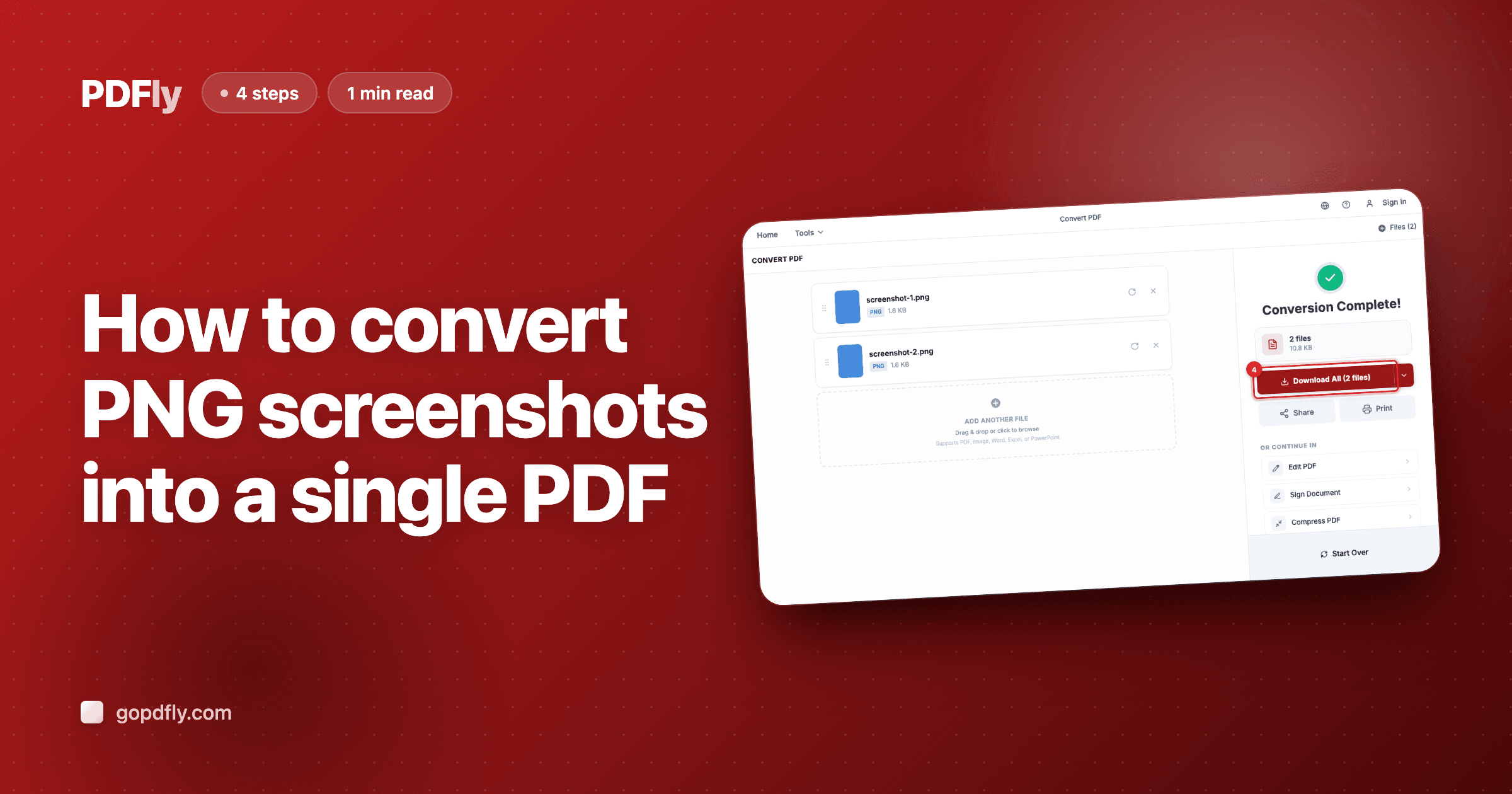
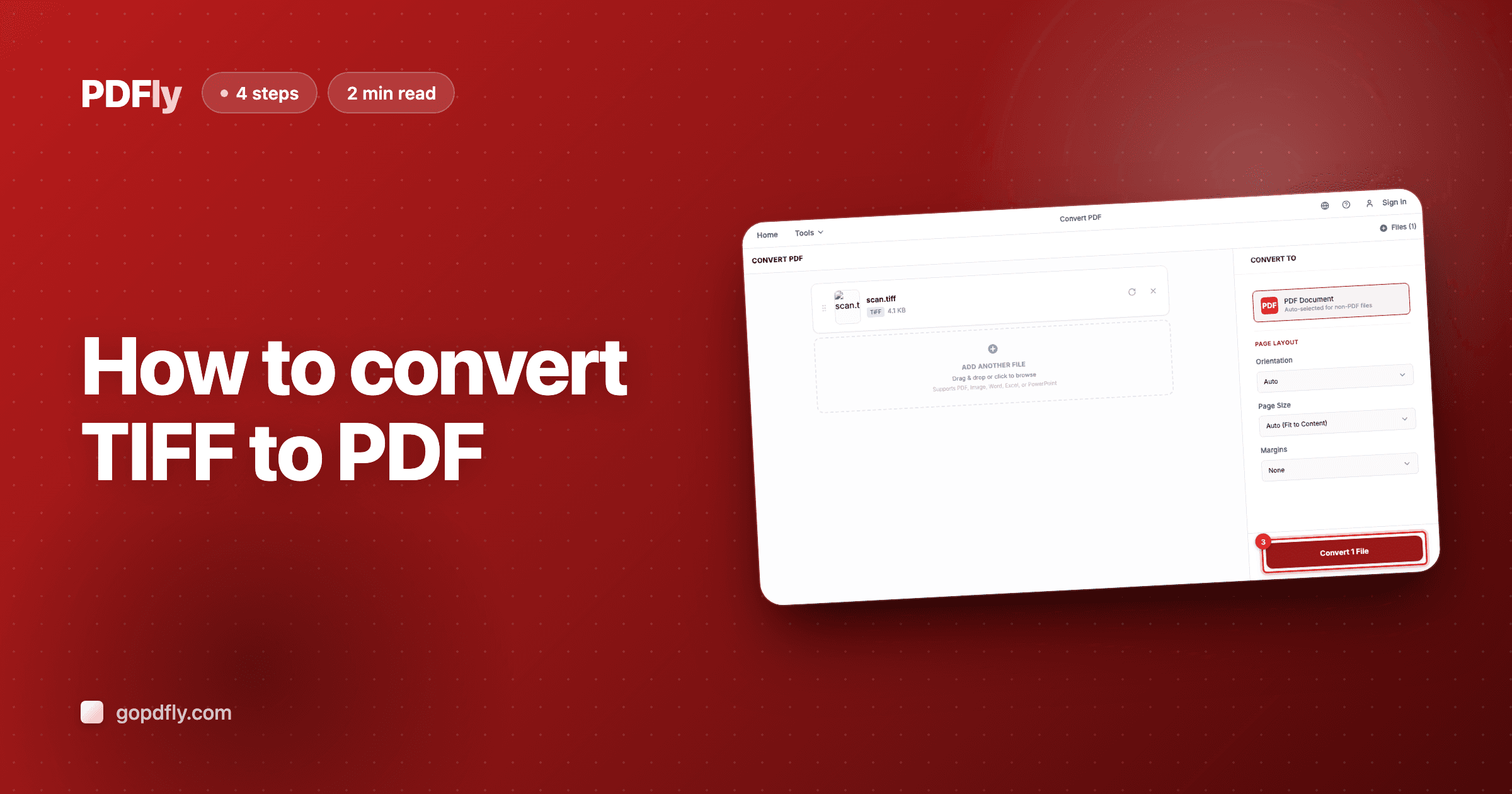
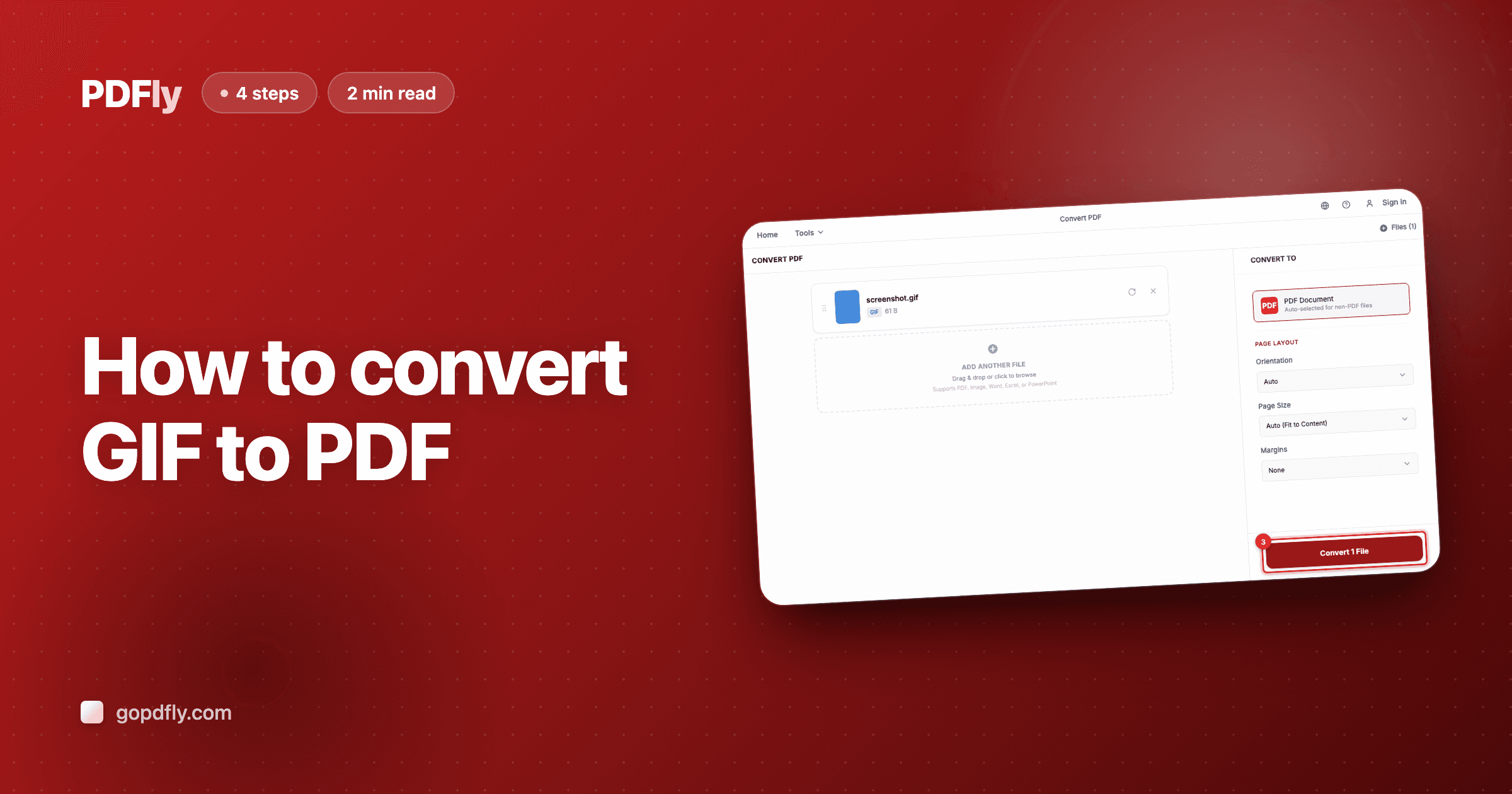
After your BMP file uploads, the sidebar shows PDF as the auto-selected output format. Click "Convert 1 File" to wrap it into a PDF page sized to match the original image.

- 4
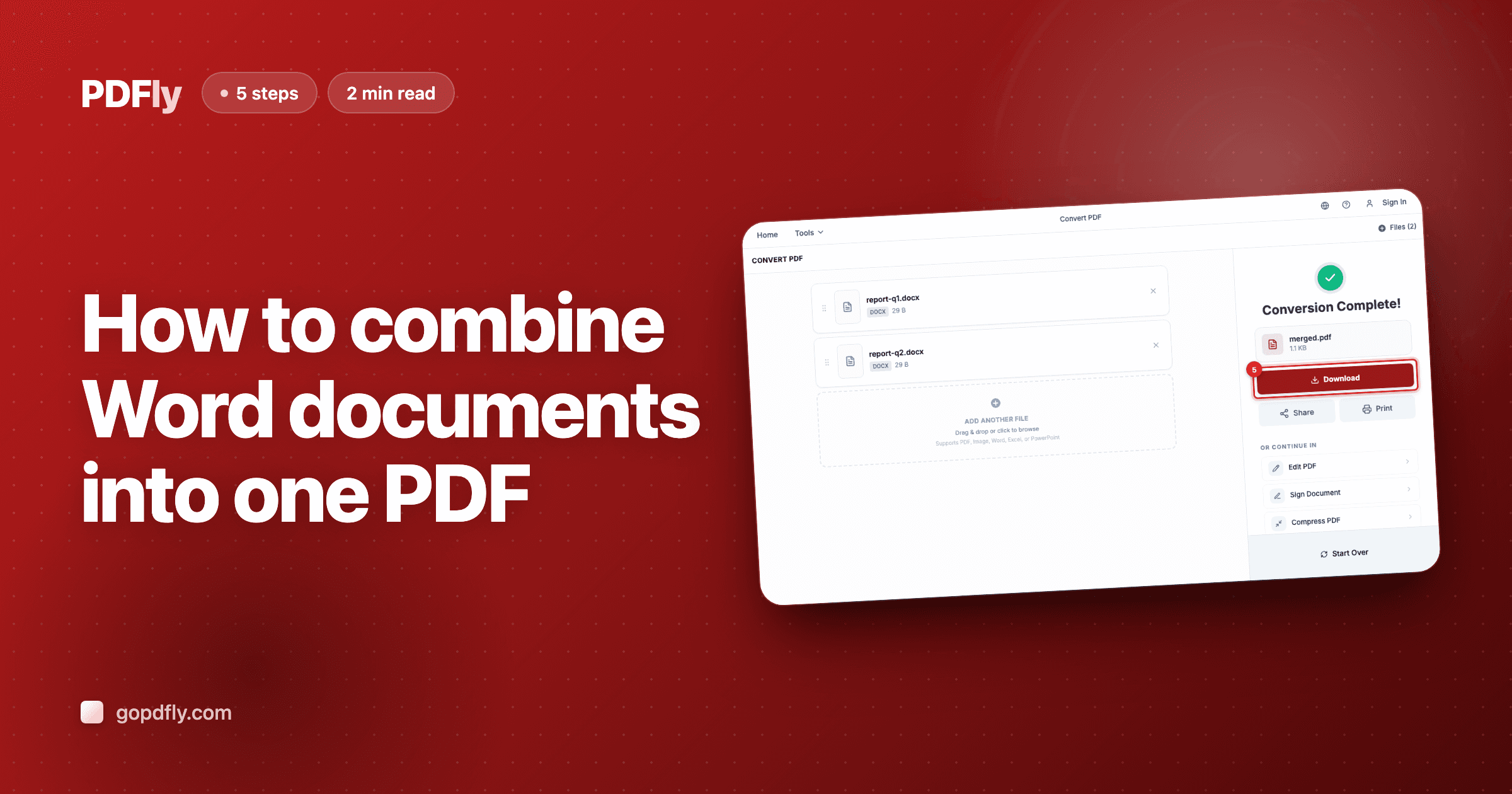
Step 4 — Download the PDF
When the conversion finishes, the result panel shows your new PDF with file name and size. Click "Download" to save it locally — your BMP image is now wrapped into a universally-readable document.